
System -> Transmission Mode menu item
In this menu item, you can set the transmission mode.
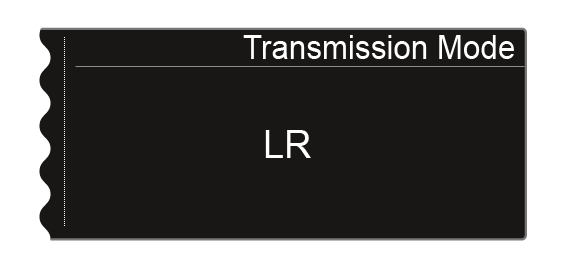
Long Range mode (LR) is set ex works and also following a reset. If required, you can activate Link Density mode (LD) in order to accommodate even more channels in the available frequency spectrum.
For more detailed information about Link Density mode, see Link Density Mode.
The transmission mode is set in the menu for the receiver. The receiver and transmitter must then be synchronized (see Synchronizing devices), as it is not possible to set the transmission mode in the transmitter menu.
Both the receiver and the received transmitter must work in the same transmission mode in order for radio frequency transmission to work. If the two devices are set to different transmission modes, a connection cannot be established even if both devices are set to the same frequency.
Depending on the hardware version of the SK 6000 and SKM 6000 transmitters, a firmware update may run every time the transmission mode is changed on the transmitter. This takes place during the synchronization process and takes approximately 90 seconds. With newer transmitter hardware versions (from serial number 1469xxxxxx onward), this is no longer the case.
It is possible to have the hardware adapted through Sennheiser customer service. To do so, contact customer service directly at the following address:
Step 1: Set the transmission mode in the receiver
-
Press the jog dial to open the menu.
The display shows you the option that is currently selected.
Step 2: Synchronize the transmission mode on the transmitter
To also set the selected transmission mode in the transmitters, they must now be synchronized with the receiver. It is not possible to set the transmission mode in the menu of the transmitter itself.
If the receiver and/or the transmitter are restored to the factory settings, LR mode will be active following the reset.