In this menu item, you can configure the settings for the word clock.
To make settings in the System -> Wordclock menu item:
-
Turn the jog dial in the System menu item until the Wordclock menu item appears in the selection frame.
-
Press the jog dial to open the menu.
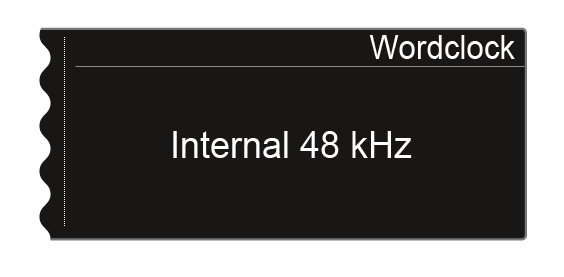
The display shows you the option that is currently selected.
-
Turn the jog dial to choose between the following options:
- Internal 48 kHz: Choose this option if you want to use the internal word clock with a clock rate of 48 kHz.
- Internal 96 kHz: Choose this option if you want to use the internal word clock with a clock rate of 96 kHz.
- External BNC: Choose this option if you use an external word clock that is connected via the Wordclock In BNC input. See Connecting the word clock.
- External Dante: Choose this option if you use an external word clock that is connected via the Dante® interface. This option is available only with the EM 6000 DANTE.
-
Press the SAVE button to save the setting.
