
Using the headphone output
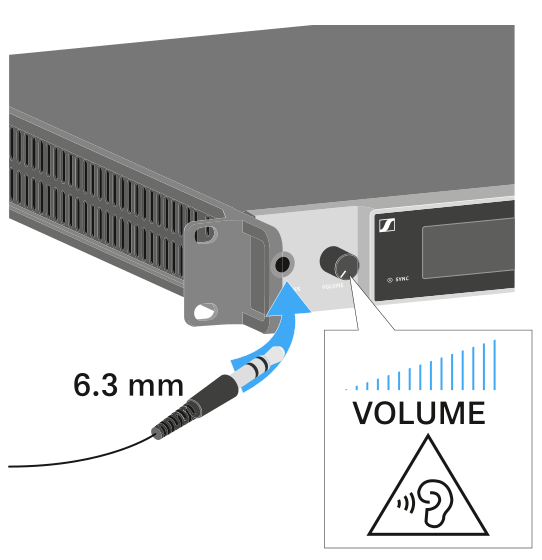
You can use the headphone output on the front of the EM 6000 (6.3 mm jack) to listen to the audio signals of the two channels.
| WARNING | |
|---|---|
-
Connect the headphone to the HEADPHONES socket.
- Press the headphone button on one of the two channels CH 1 or CH 2 to listen to that channel.
- Press both headphone buttons for the two channels to listen to both channels at the same time.
- Control the volume by turning the VOLUME control next to the HEADPHONES socket.