
Home screen
After you switch on the receiver, the two displays initially show the Sennheiser logo. After a short time, the home screen is then displayed.
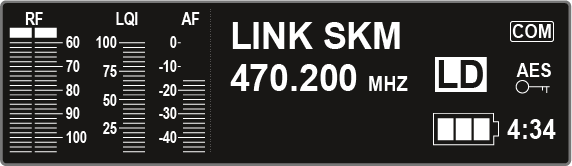
The home screen has 4 different views in total, which display different status information.
Turn the jog dial to the right or left to switch between the individual home screens.
The following information is displayed on each home screen:
RF = Radio Frequency
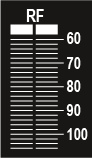
- Display of the radio link RF level for antenna A and antenna B.
LQI = Link Quality Indicator
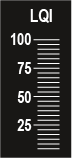
- Shows the quality of the radio link. You can find more information under Establishing a radio link.
AF = Audio Frequency
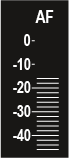
- Shows the transmitter audio input level.
- This level is separate from the audio level that is output from the receiver.