
Displays on the EM 6000 display panel
The EM 6000 has a separate display for each of the two channels CH 1 and CH 2.
Channel-specific status information (CH 1 and CH 2)
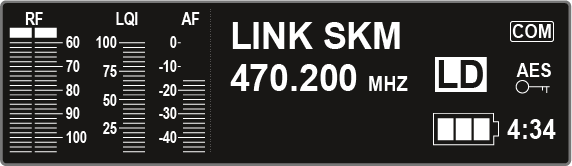
In the displays, the home screens for both channels display the channel-specific status information such as the reception quality, battery life, audio level, and so on. See Home screen.
Operating menu (CH 1 and CH 2)
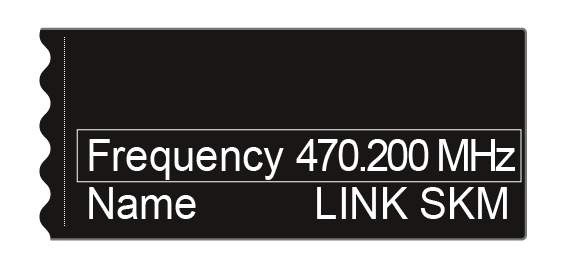
The display also shows the operating menu for the two channels CH 1 and CH 2, in which you can configure channel-specific settings. See Setting options in the menu.
System settings (CH 1 only)
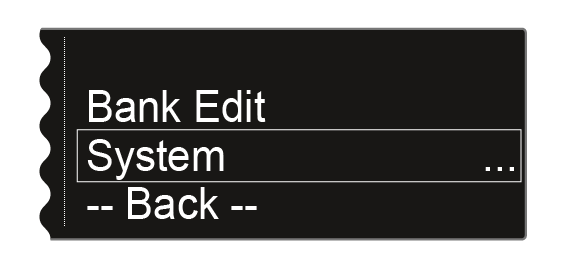
On the display for the channel CH 1, the system settings for the whole device are also displayed in the operating menu. See System menu item.