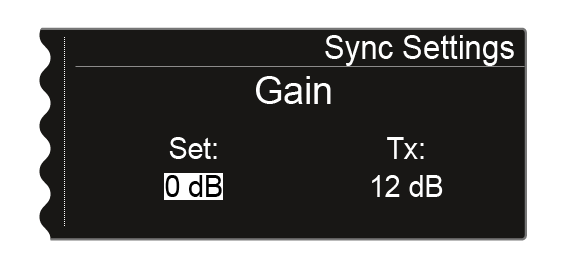
Sync Settings menu item
In the Sync Settings menu item, you can choose which settings for the transmitter you want to transfer from the receiver to the transmitter during the synchronization.
All of the settings can also be set separately in the menu on the transmitter. However, you can simply use the Sync function to configure these settings via the receiver.
For more information about the Sync function, see Synchronizing devices.
To open the Sync Settings menu item:
-
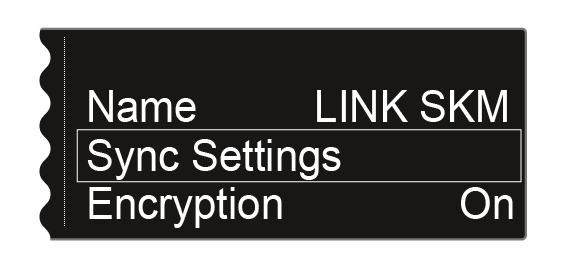
Turn the jog dial until the Sync Settings menu item appears in the selection frame:
-
Press the jog dial to open the menu.
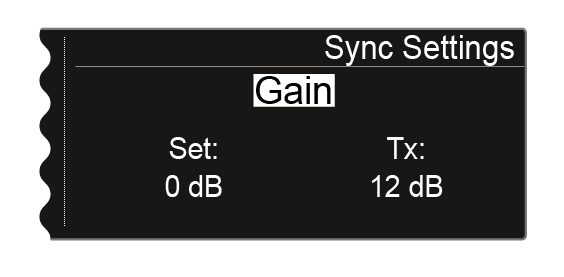
The following view is displayed:
-
Press the jog dial to access the settings for the selected option.
The Set value shows the setting that you can select for the synchronization in this menu item. The Tx value shows the value that is currently set on the transmitter.