Command Mode menu item
If you are using a transmitter that has a Command button, you can configure the EM 6000 audio outputs to use the Command button on the transmitter.
To open the Command Mode menu item:
-
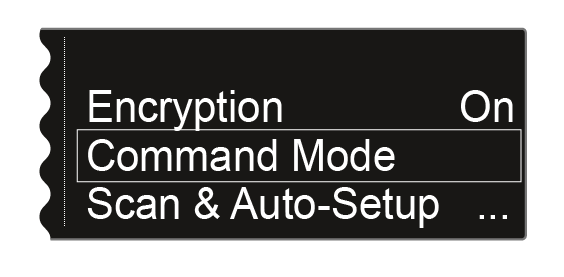
Turn the jog dial until the Command Mode menu item appears in the selection frame:
-
Press the jog dial to open the menu.
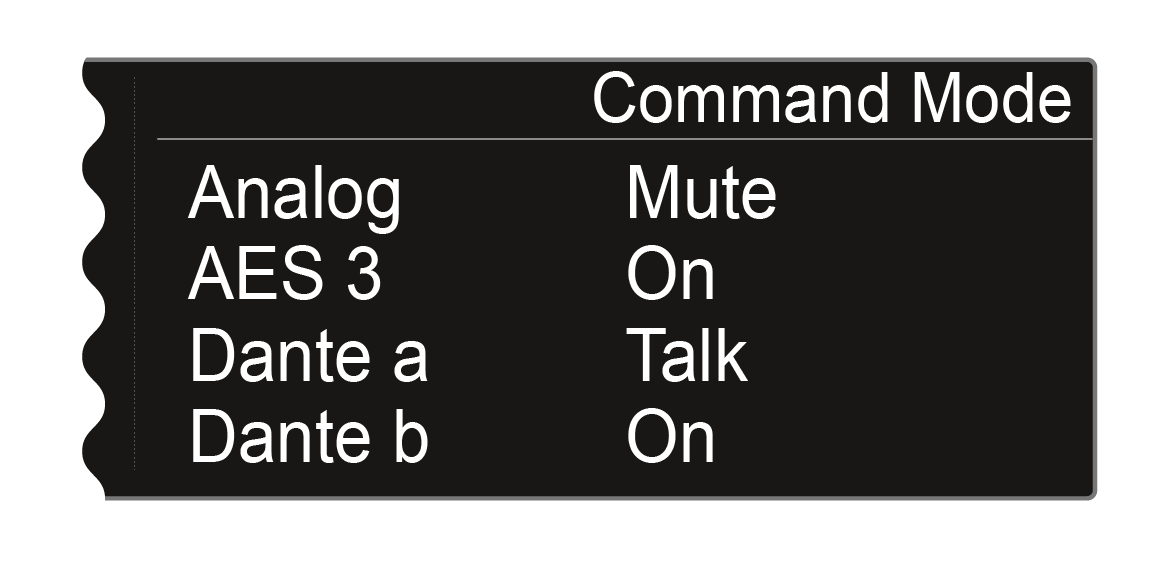
The following view is displayed:
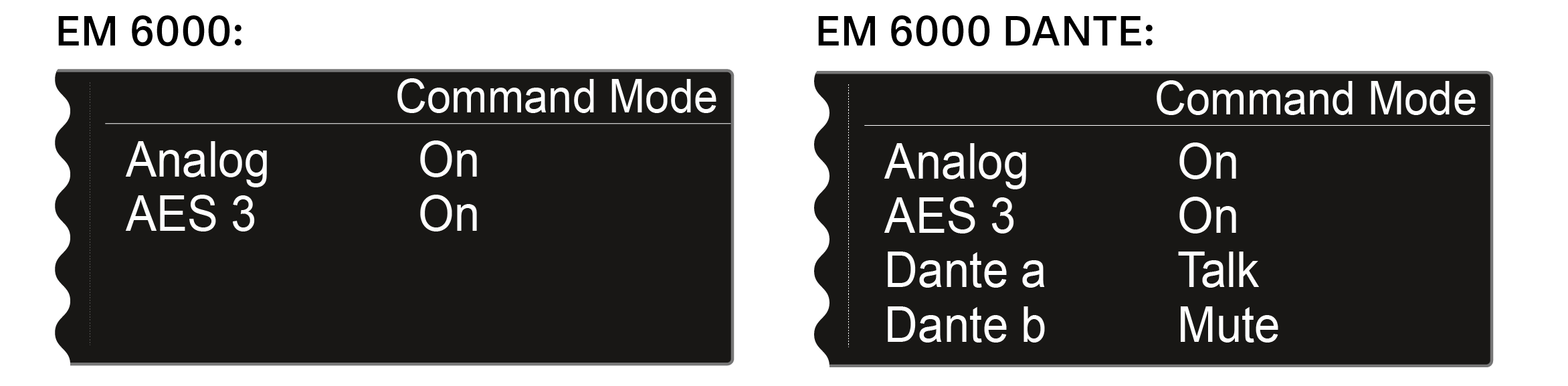
The following outputs can be assigned for use with the Command button:- Analog: analog output, Bal AF out XLR or jack socket
- AES 3: digital output, AES 3 XLR socket
- Dante a, Dante b: two separate channels on the Dante® network
-
Turn the jog dial to switch between the On, Talk and Mute levels for the selected audio output.
- On: No Command function for the output. The audio signal is permanently active.
- Talk: The audio signal is muted and is active only while the Command button is pressed.
- Mute: The audio signal is active and is muted only while the Command button is pressed.
Example: The analog output signal is transmitted through the PA system for the audience. If the Command button on the transmitter is pressed, the signal on the PA system is muted. The signal is then activated on the Dante a channel on the Dante® network. The sound technician can then hear the signal for directional instruction.