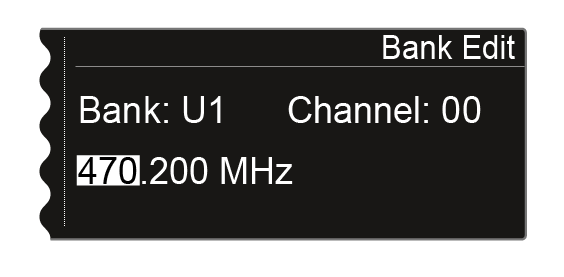
Bank Edit menu item
In addition to the predefined frequency banks B1 to B6, you can assign frequencies to the user-defined frequency banks U1 to U6 yourself.
To make settings in the Bank Edit menu item:
-
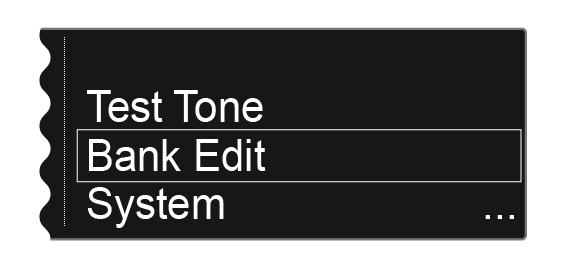
Turn the jog dial until the Bank Edit menu item appears in the selection frame:
-
Press the jog dial to open the menu.
The following view is displayed:
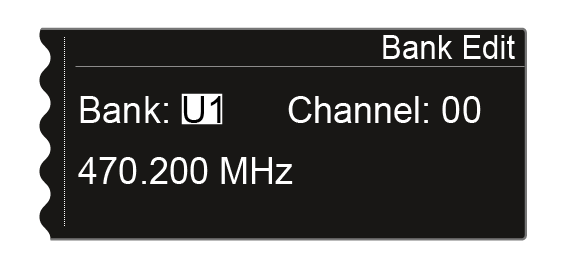
-
Press the jog dial to switch to the channel selection.
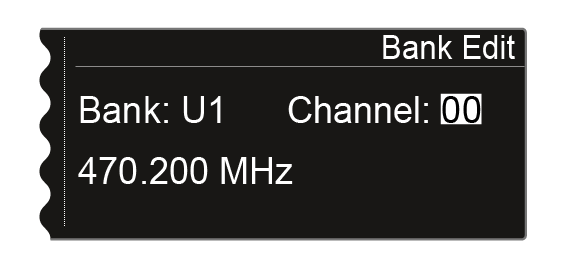
-
Press the jog dial to switch to the frequency selection.