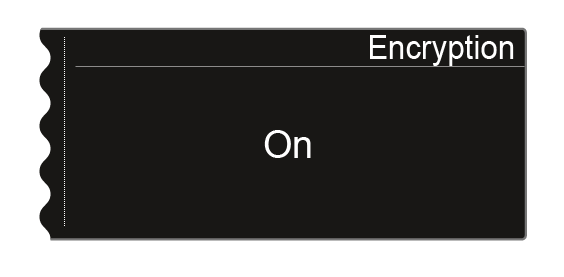
Encryption menu item
You can secure the radio link between the transmitter and receiver using AES 256 encryption.
To open the Encryption menu item:
-
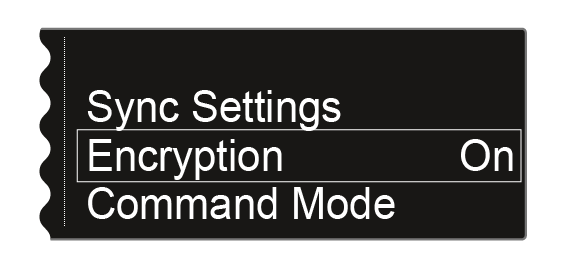
Turn the jog dial until the Encryption menu item appears in the selection frame:
-
Press the jog dial to open the menu.
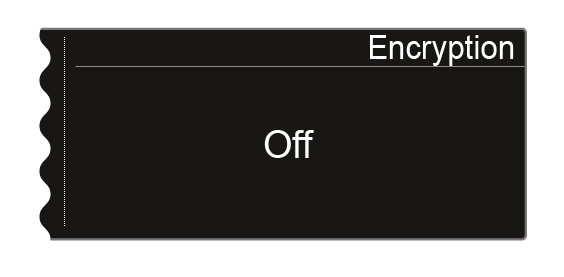
The following view is displayed:
-
Turn the jog dial to choose between the On and Off values.