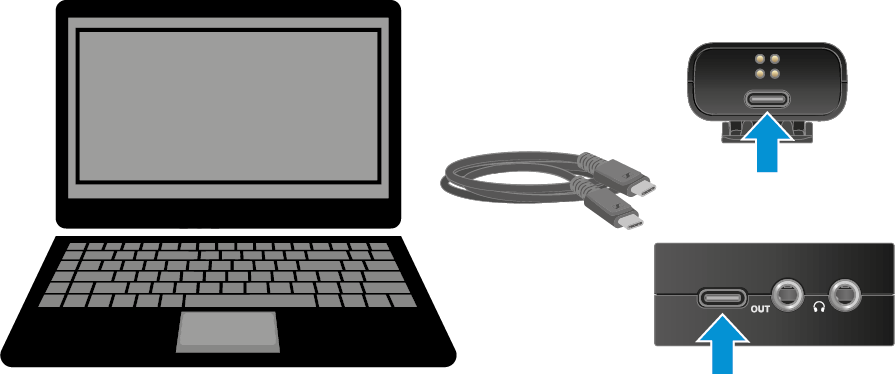
Installing updates or performing a reset
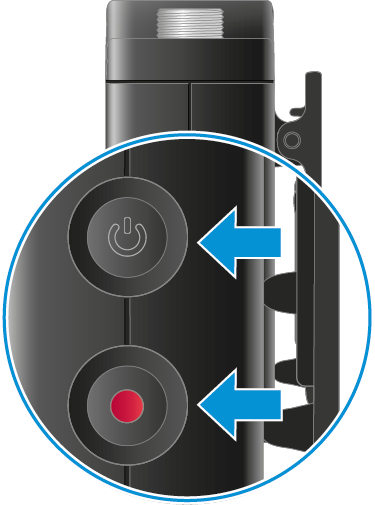
To reset via the transmitter:
-
Press and hold both the ON/OFF and REC buttons for 7 seconds.
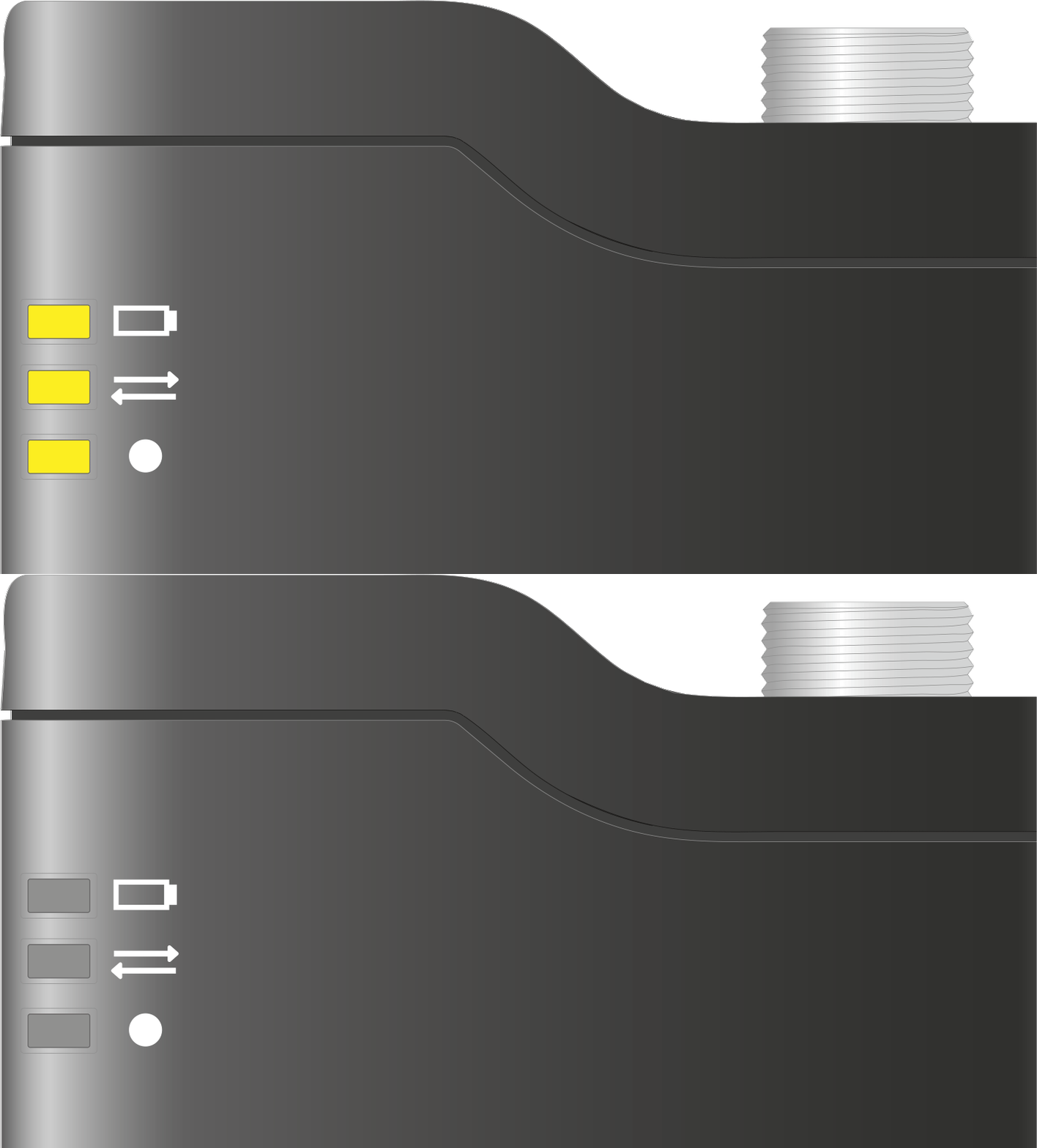
All LEDs flash yellow, indicating that a reset is underway.
To reset via the receiver:
-
Tap “Reset all devices”
The reset is carried out on all devices. The devices automatically switch off and on again after a successful reset.
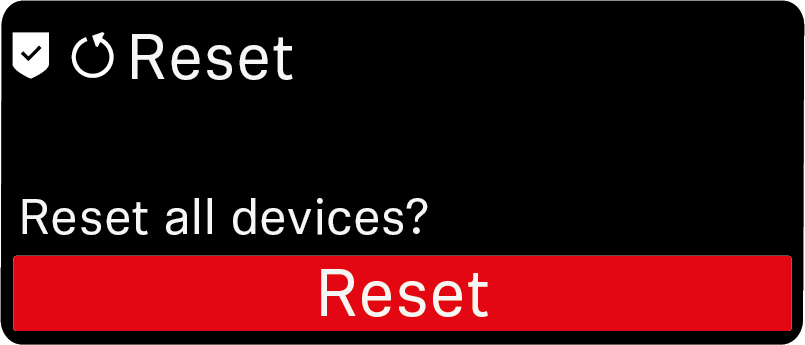 Note:If you do not confirm the reset in the next step by pressing again, the process is aborted.
To perform a firmware update on the receiver and transmitter:
-
Launch the tool and follow the instructions.
The firmware update is performed on the connected device. During the update, all LEDs on the transmitter flash yellow. The receiver and transmitters automatically switch off and on again after a successful update.