
Accessing the receiver menu, navigating through menu items and making settings
In this menu, you can make settings for the subitems Mode, Headphones, Output Level, Backup Recording, Brightness, Pairing, Rotate Display, Date, Time, Reset and Info. A complete overview of the menu can be found here: Receiver menu structure
To open the RX menu:
-
Swipe up on the display.
You will be taken to the RX menu.
To navigate the menu items:
-
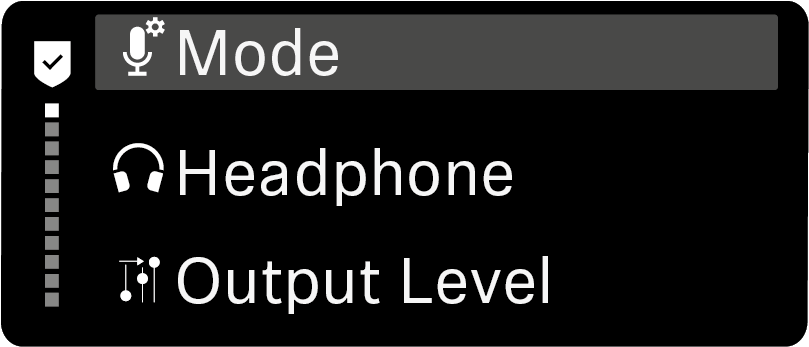
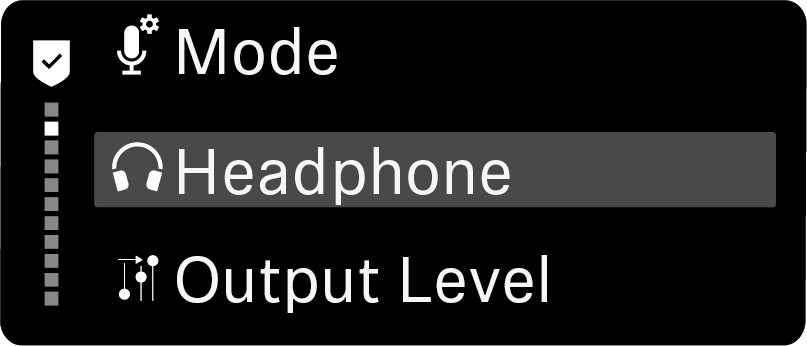
Swipe up or down on the display.
The currently active menu item appears in the center of the display highlighted in gray.
To display a menu item and make settings:
-
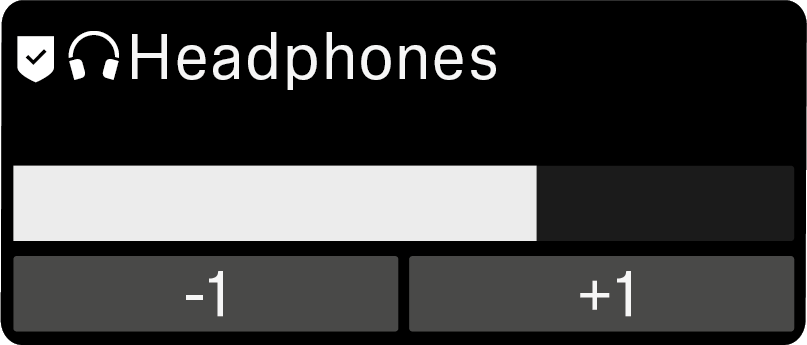
Tap the different buttons.
The settings are applied.
To return to the receiver menu:
To return to the home screen: