
Meaning of the LEDs on the transmitter
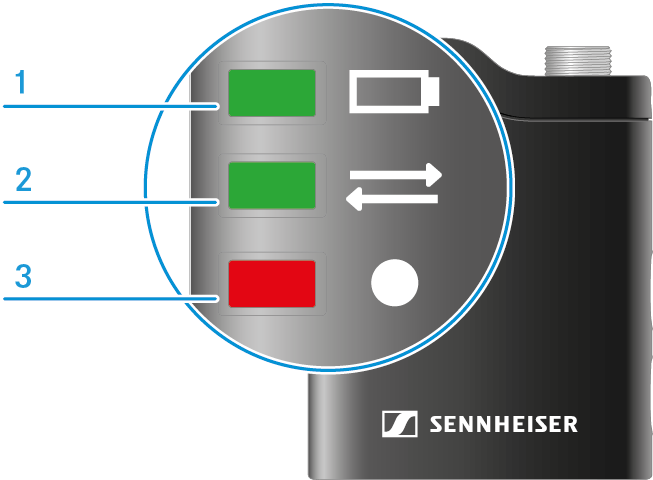
It is possible to turn off the transmitter LEDs individually while they are connected to the receiver. This helps prevent unwanted flashing in video recordings.
Simply go to one of the transmitter menus, navigate to "LED Lights" and confirm the selection by tapping. Then tap "On" or "Off" to enable/disable this feature for the particular transmitter. (see Accessing the transmitter menu, navigating through menu items and making settings)
The transmitter LEDs automatically switch on again if the connection to the receiver or the power supply is interrupted. This ensures that the device status can be seen.
- 1 LED charging status
- 2 Connection status LED
- 3 Recording LED
Charging status LED
The charging status LED indicates the charge level of the transmitter.
The LED is green: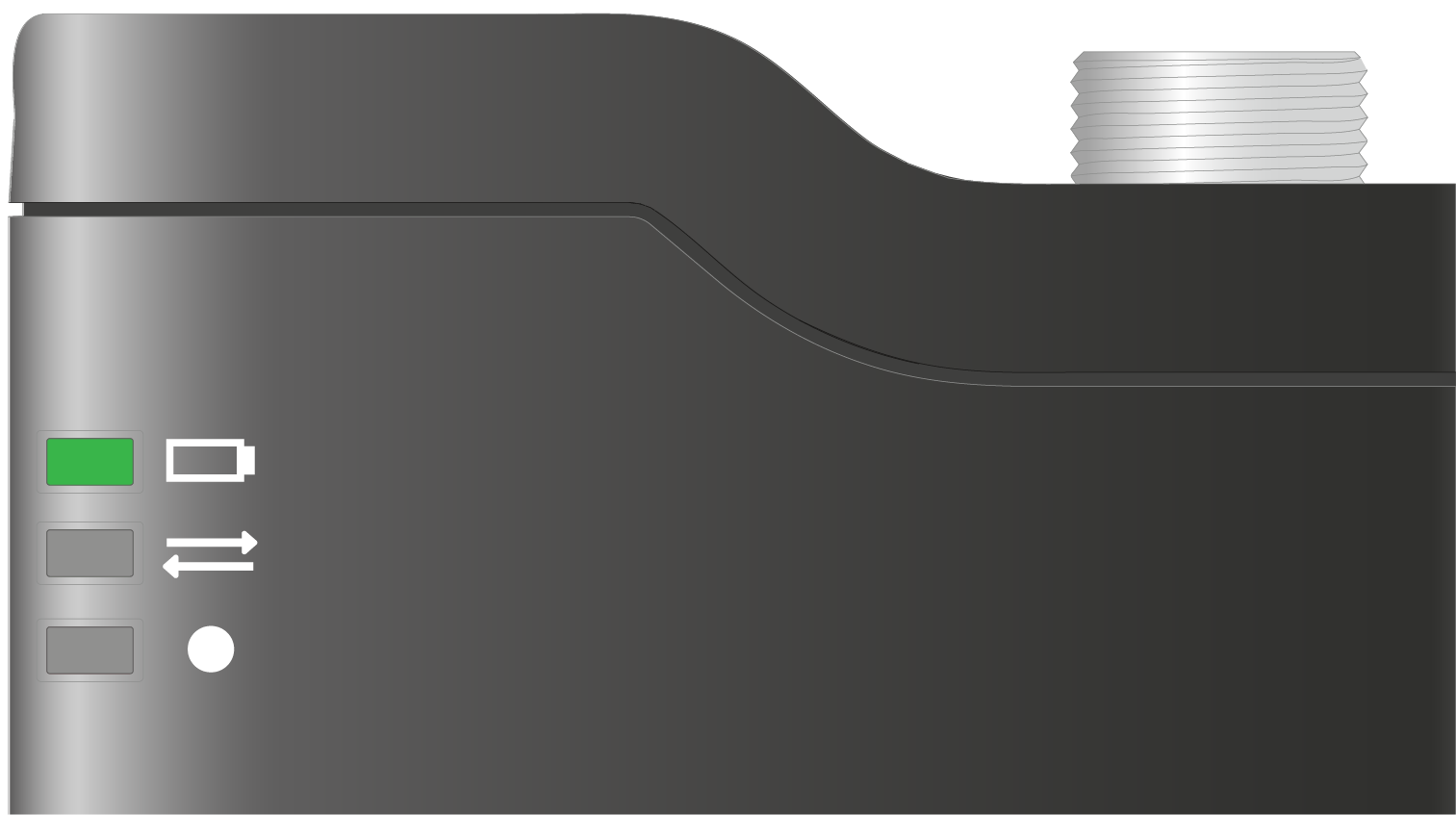 |
|
The LED is yellow: |
|
The LED is flashing yellow: |
|
The LED is flashing red: |
|
Connection status LED
The connection status LED indicates the pairing status of the transmitter and the receiver.
The LED is green: |
|
The LED is continuously red: |
|
The LED is flashing red: |
|
The LED is continuously blue: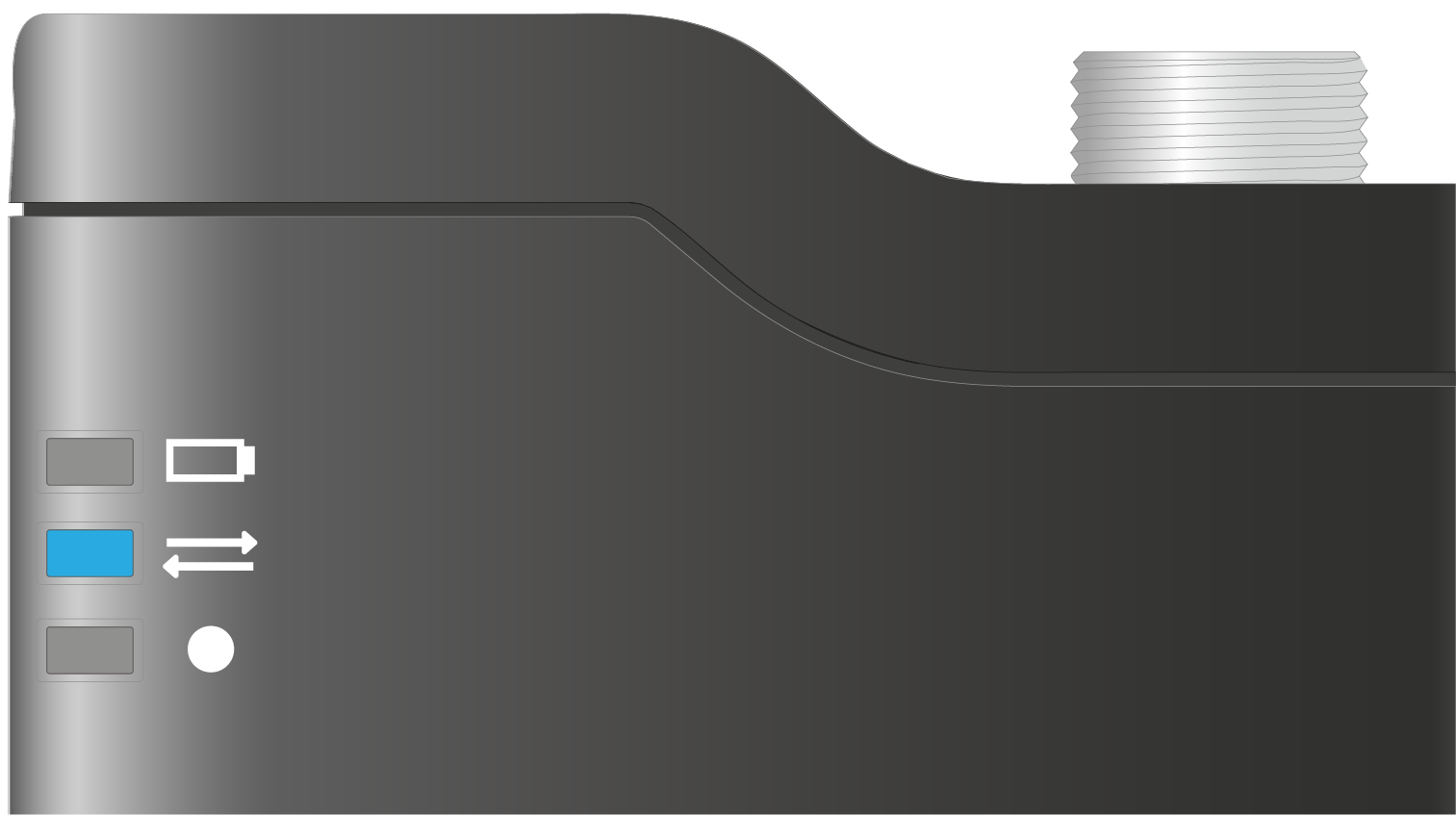 |
|
The LED is flashing blue: |
|
Recording LED
The recording LED provides information about the status of an active recording or the memory (see Start/stop/mute recording).
The LED is yellow: |
|
The LED is flashing yellow: |
|
The LED is continuously red: |
|
The LED is flashing red: |
|
Gain settings
The charging status LED flashes green: |
|
The connection LED flashes green: |
|
The recording LED flashes green: |
|
Other LED indicators
All LEDs are flashing yellow simultaneously: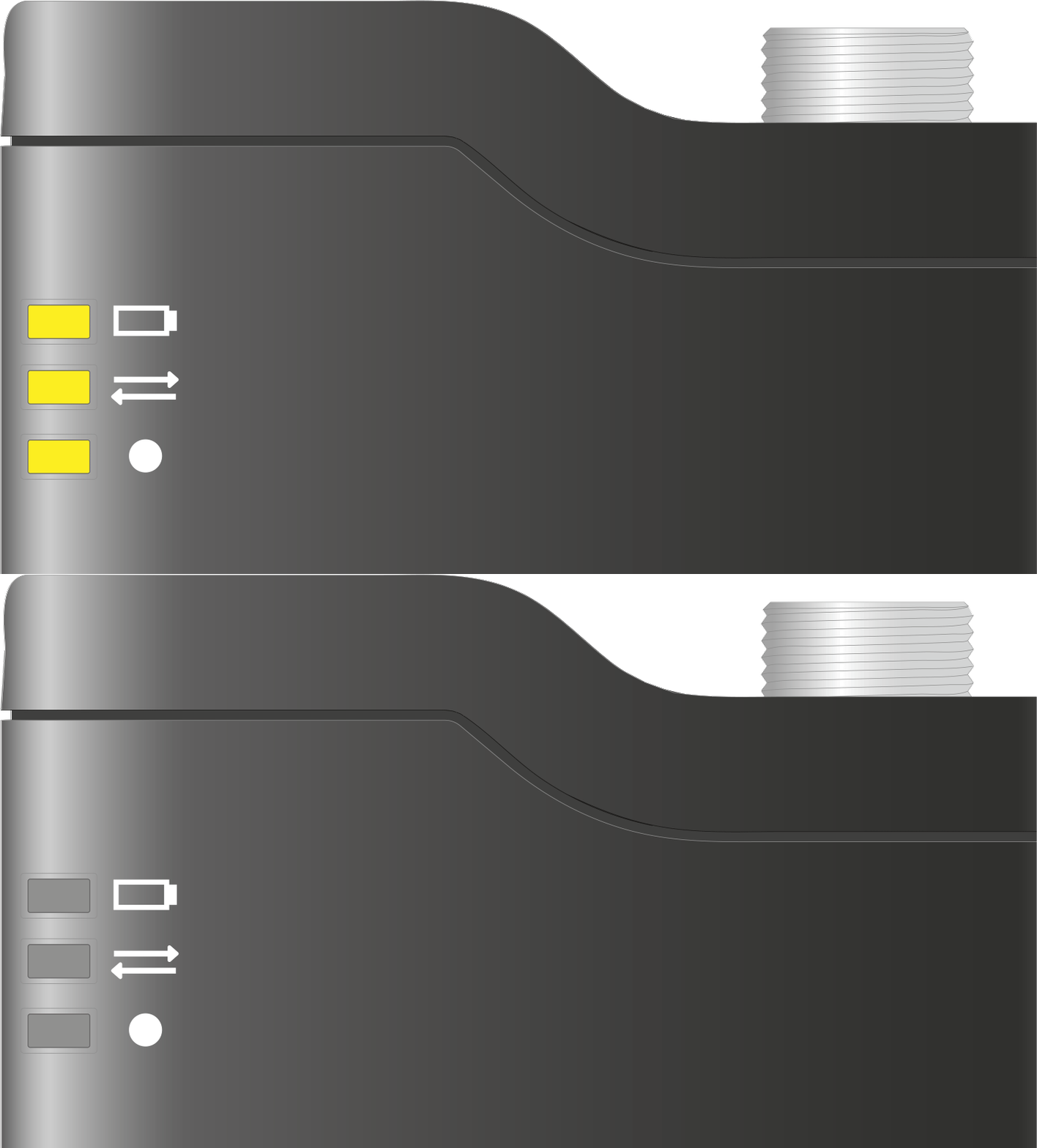 |
|