Bulk password changes
Apply a new password to multiple claimed devices in a single operation.
To change bulk passwords:
-
Click Change Password on {number} Devices.
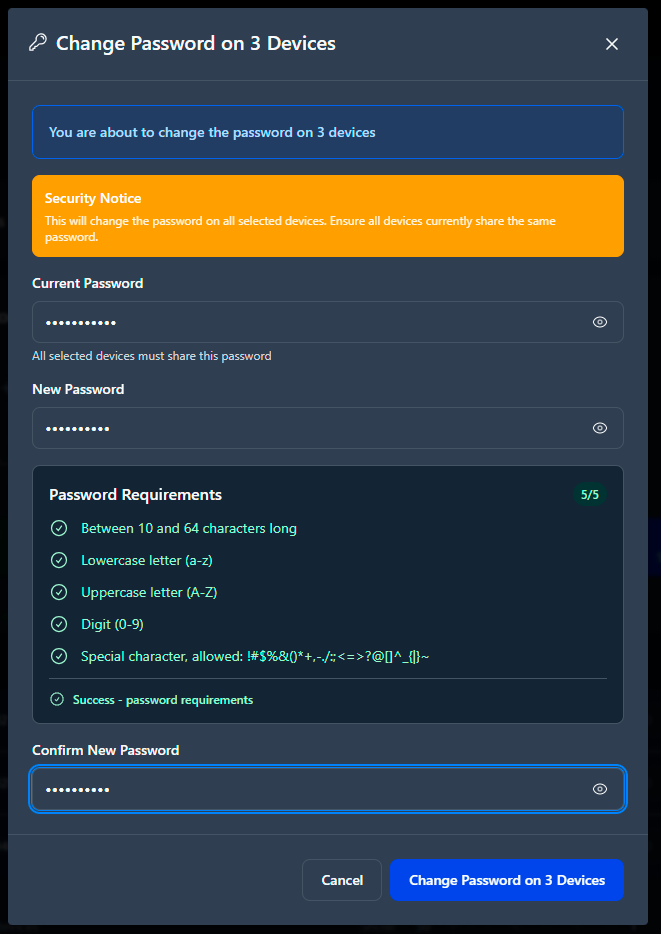
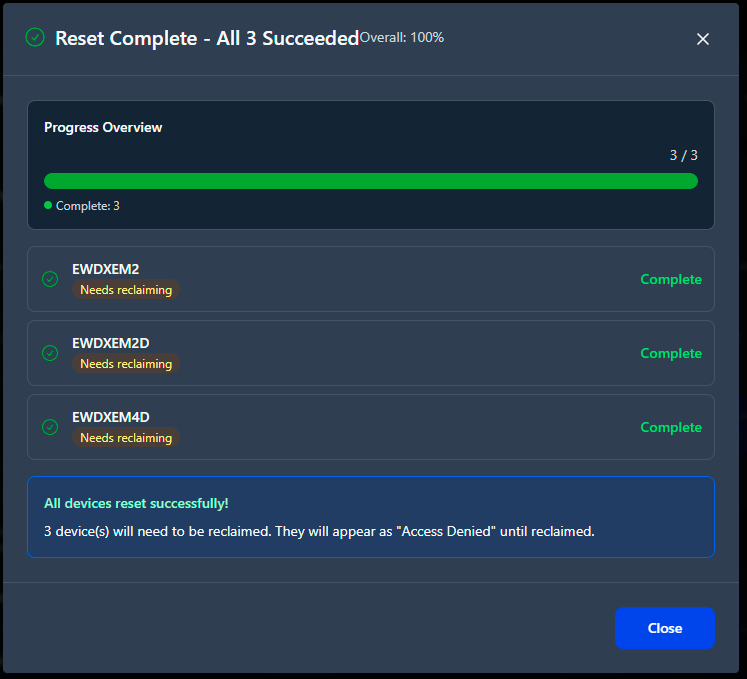
Password strength is validated once before any device is updated.Successful and failed devices are reported individually in the results summary.