Change the device password quickly and securely.
To change the devices password:
-
Open the device detail view.
-
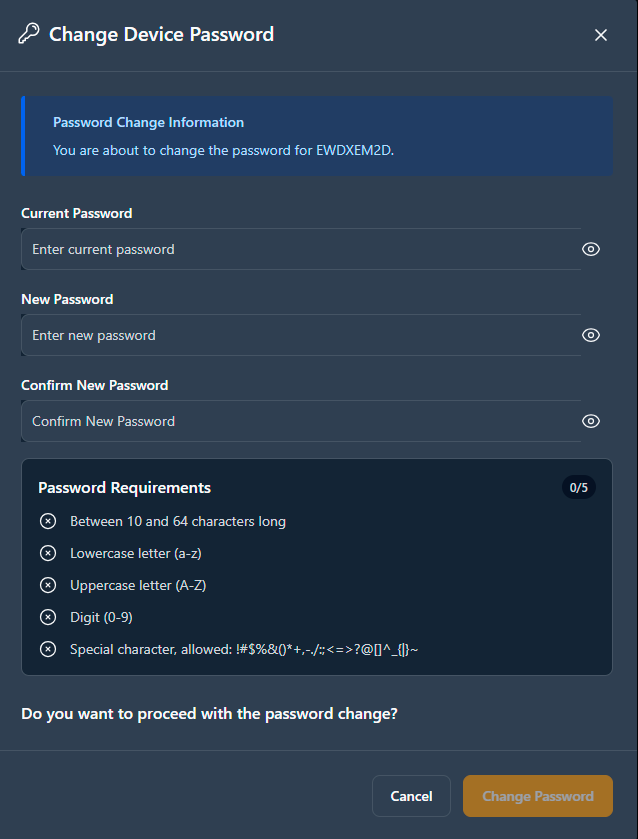
Click on Change Password.
-
Enter your new password.
Password requirements:
- The system validates password strength in real-time
- Weak passwords are not accepted
- Success or failure feedback appears immediately
- Changes take effect within seconds
-
Confirm the password.
-
Click on Change Password to save the change.
The password has been changed.
