Factory reset
Reset devices to factory settings for rental turnaround.
Safety features:
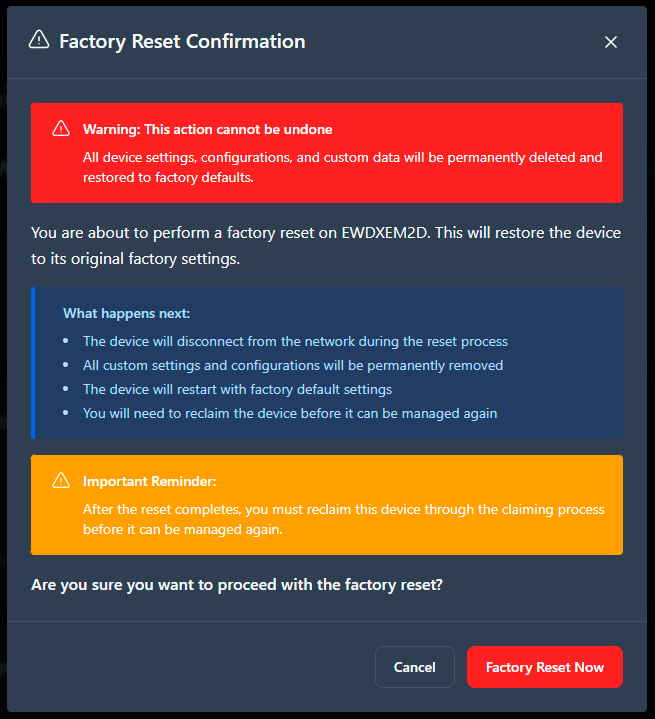
- Confirmation required to prevent accidental resets.
- Reset button is disabled during firmware updates.
- Clear error messages if the reset fails.
- Progress tracking shows reset status.
To reset the device to the factory settings:
-
Confirm the reset in the dialog box.