Claiming devices
Before you can manage an EW-DX device, you need to claim it.
To claim a device:
-
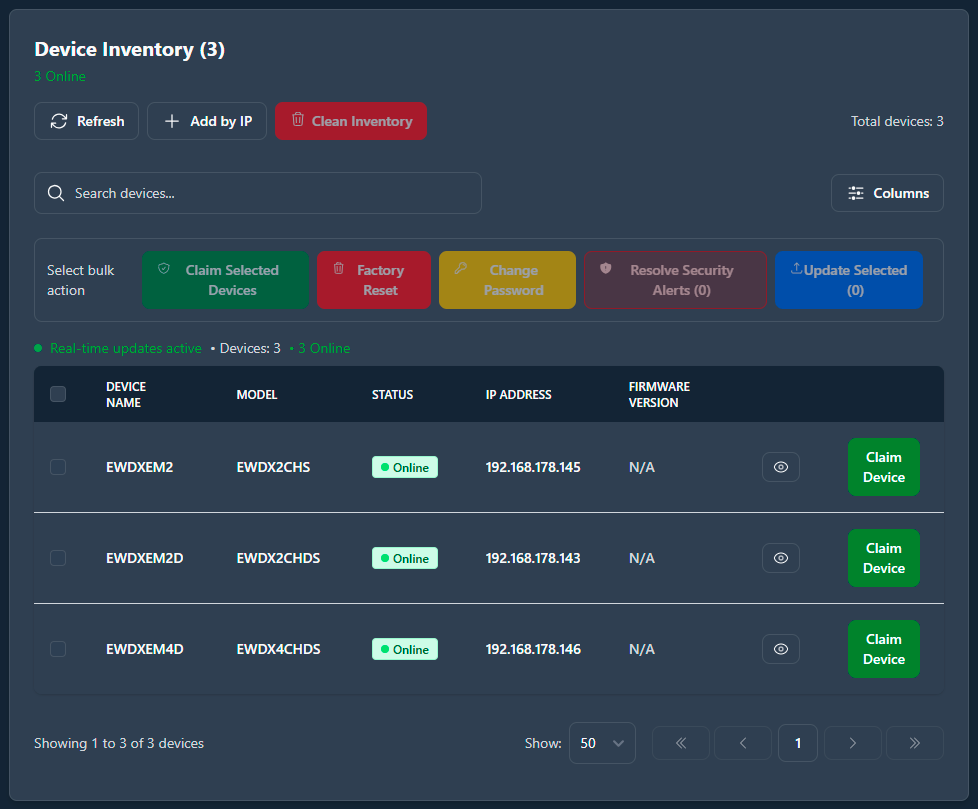
Click on Claim Device.
-
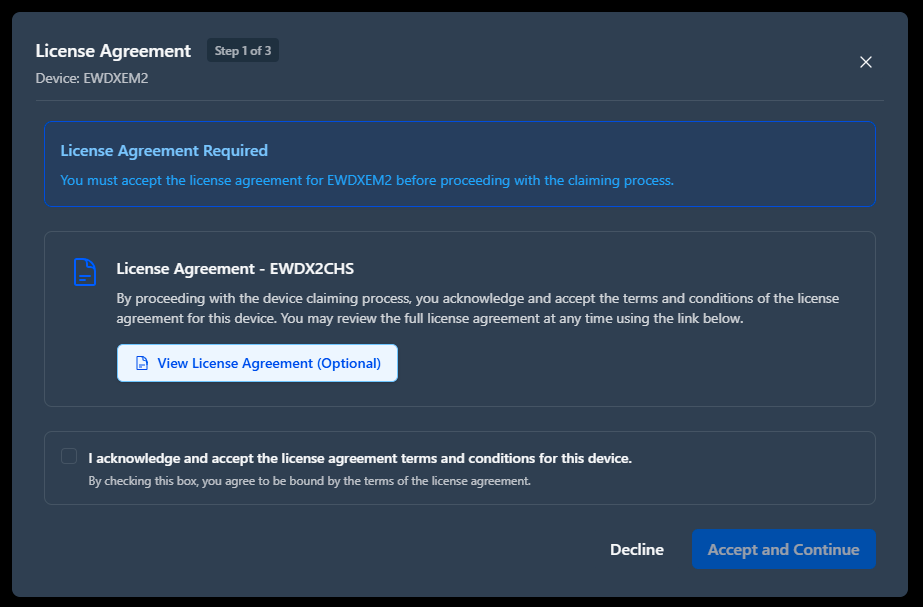
A modal will open asking to accept the license agreement terms and conditions
for this device.
-
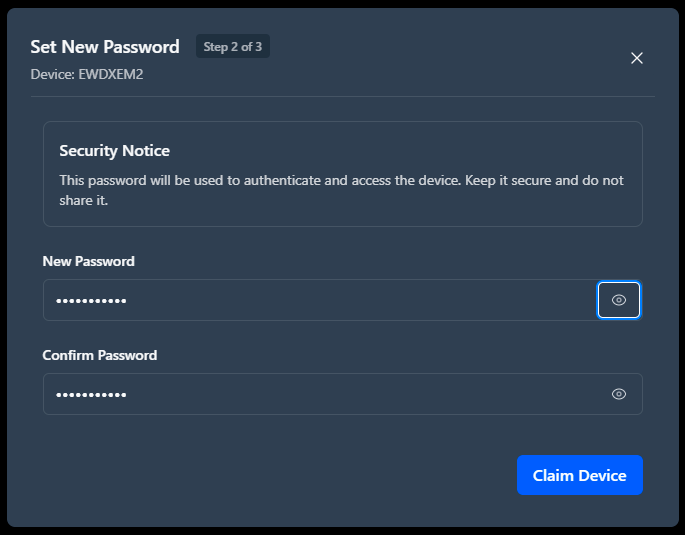
Enter and confirm a new password that meets the password requirements.