
Device inventory
The main device inventory view shows all your discovered and manually added devices in one place.
Information displayed
- Device name and type
- Connection status
- Current IP address
- Firmware version
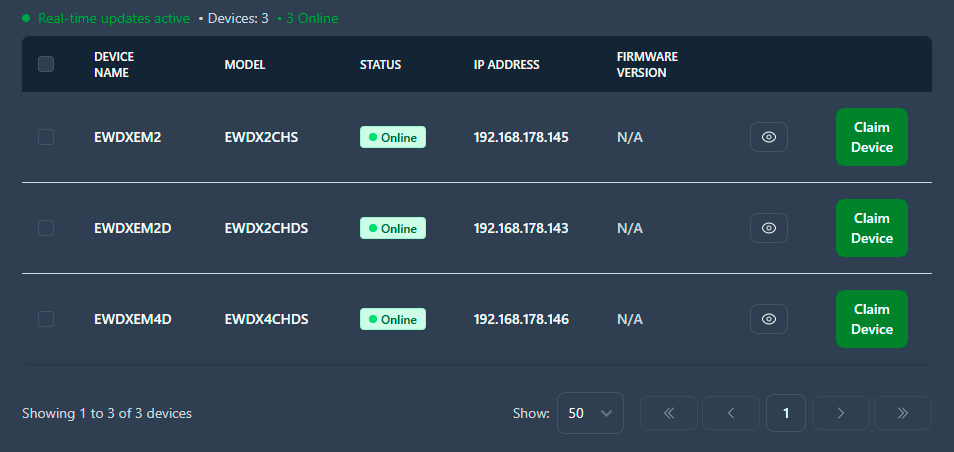
The view updates in real-time when device states change.
Search and filter
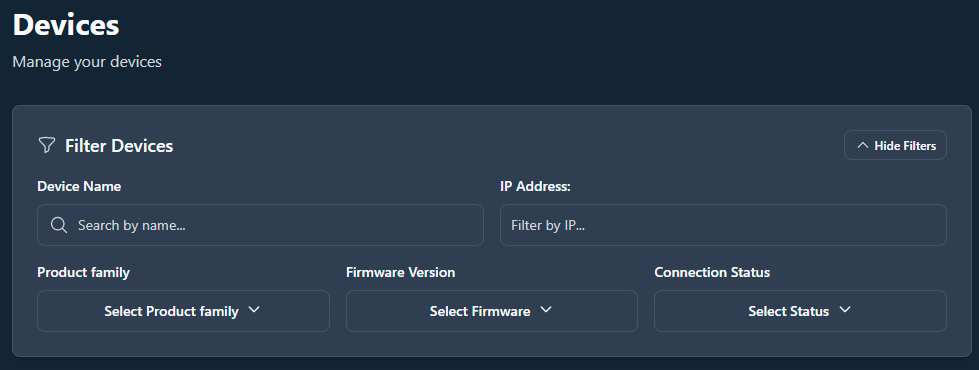
Find specific devices quickly by using search and/or filters:
- Search, see Using search
- Filters, see Using filters
Pagination
For large device inventories:
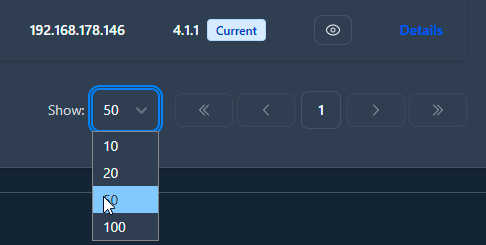
- Page sizes, see Setting the page size
- You can change the number of devices shown in the inventory.
- Navigation
- Use Next/Previous buttons to navigate pages
- Jump to first or last page directly
- Changing page size takes you back to the first page