
Offline firmware updates
Perform firmware updates from a local firmware image file when the device has no internet connection.
Firmware updates can be performed without an internet connection by using a local firmware image file. This is useful in venues with limited or no network access.
To update your firmware offline:
-
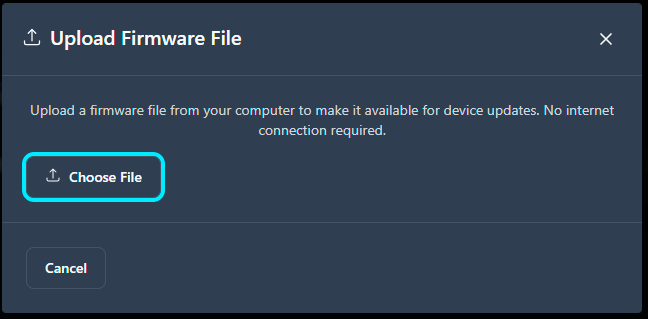
Select the firmware image file.
The system validates file compatibility, including model, version, and checksum, before it applies the update.