
Cleaning up the inventory
You can remove all offline devices from the inventory in a single action.
Removing devices is useful for quickly clearing stale or disconnected devices between rental sessions.
To clean up the inventory:
-
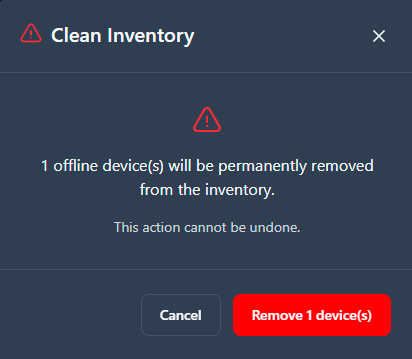
Confirm the removal of offline devices in the dialog.
The device inventory also refreshes automatically when the application window regains focus, so the displayed state is always current.