
Equalizer menu item
In the Equalizer menu item, you can change the frequency response of the output signal.
You can reduce the bass range and boost the treble range.
To open the Equalizer menu item:
-
Adjust the settings as desired.
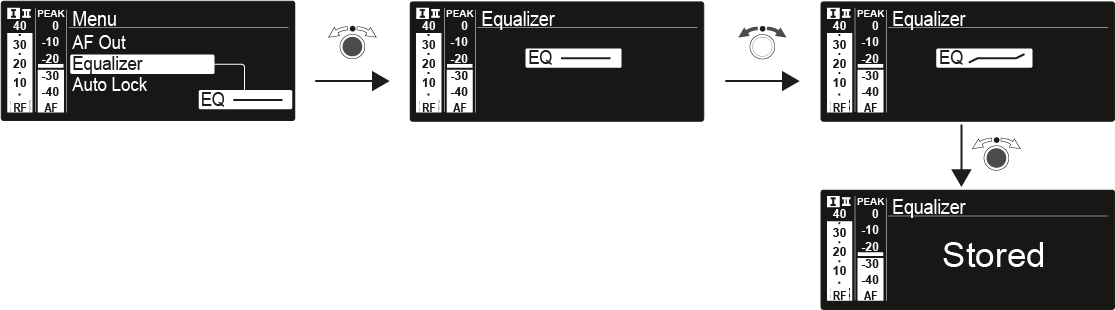
In the Equalizer menu item, you can change the frequency response of the output signal.
You can reduce the bass range and boost the treble range.