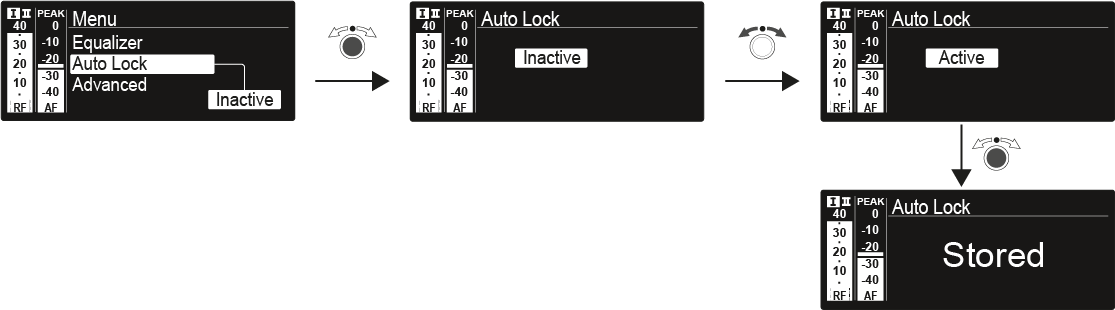
Auto Lock menu item

In the Auto Lock menu item you can activate or deactivate auto lock-off function.

You can find information about temporarily deactivating the lock-off function during operation under Lock-off function.
To open the Auto Lock menu item:
  1. On the home screen, press the jog dial to open the operating menu.
  2. Turn the jog dial until the Auto Lock menu item appears in the selection frame.
  3. Press the jog dial to open the menu.
  4. Adjust the settings as desired.

  5. Press the jog dial to save your selection.
    OR
  6. Press the ESC button to cancel the entry without saving the setting.