
Ch 1 - Ch 4 -> TX Software menu item
The TX Software menu item displays the software version of the received transmitter.
You cannot open this menu item to make settings.
In the menu, navigate to the TX Software menu item for the desired channel.
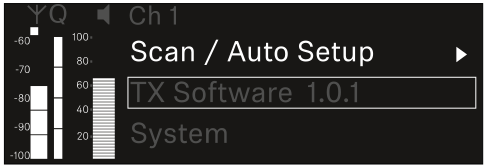
The version number of the transmitter software is shown on the display. The transmitter must be switched on for this to be displayed.
You can find information about updating the transmitter firmware in section System -> TX Update menu item.