
Ch 1 - Ch 4 -> LED menu item
The LED menu item allows you to set the behavior of the LINK LED on the received transmitter.
Setting range:
- ON: The LINK LED remains continuously lit.
- OFF: The LINK LED switches off while the lock-off function is active.
For this to occur, the automatic lock-off function must be enabled in the Auto Lock menu item (see Ch 1 - Ch 4 -> Auto Lock menu item).
To open the LED menu item:
-
In the menu, navigate to the LED menu item for the desired channel.
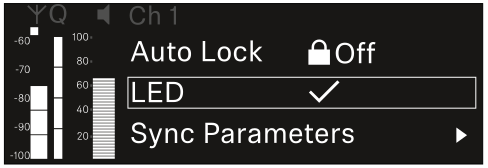
-
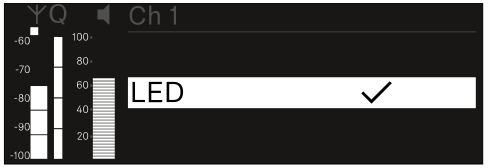
Press the jog dial to open the menu.
The following view is displayed:
For the set value to be applied to the received transmitter, you must synchronize the channel (Connecting to the EW-DX EM receivers / synchronizing the EW-DX EM).