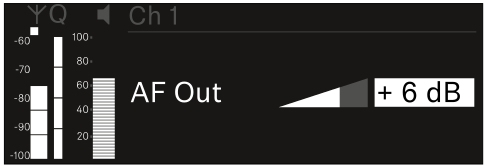
Ch 1 - Ch 4 -> AF Out menu item
In the AF Out menu item, you can set the audio level that is output via the audio outputs of the particular receiving channel.
To open the AF Out menu item:
-
In the menu, navigate to the AF Out menu item for the desired channel.
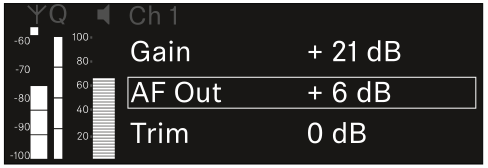
-
Press the jog dial to open the menu.
The following view is displayed: