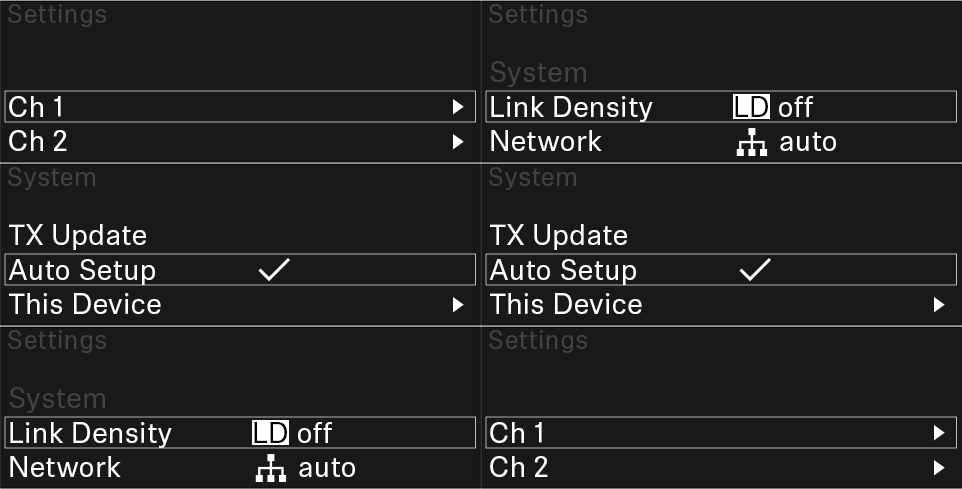
Opening the menu and navigating the menu items To open the menu: Press the jog dial when you are on the home screen. Turn the jog dial to navigate to your desired menu item. Press the jog dial to open the selected menu item. To exit the menu: Press the ESC button to exit the menu and return to the home screen. Changes that were not previously saved by pressing the jog dial will be lost.