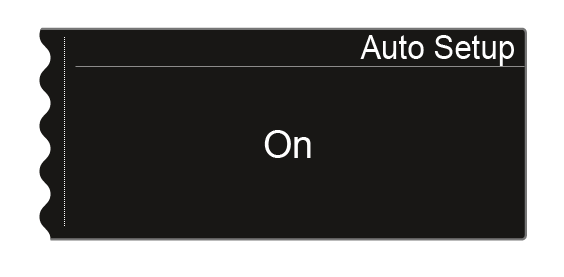
System -> Auto Setup menu item
In this menu item, you can activate the auto setup function for the EM 6000.
If the function is activated here, an automatic frequency setup can be performed for this EM 6000. See Scan & Auto-Setup menu item.
To make settings in the System -> Auto Setup menu item:
-
Press the jog dial to open the menu.
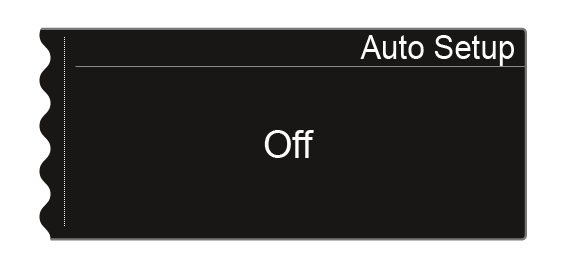
The display shows you the option that is currently selected.
-
Turn the jog dial to choose between the On and Off options.