
Muting the audio signal
You can mute the audio signal that is output via the output sockets of the two channels.
To mute the audio signal on a channel:
-
On the home screen, turn the jog dial to the right until the following view is displayed.
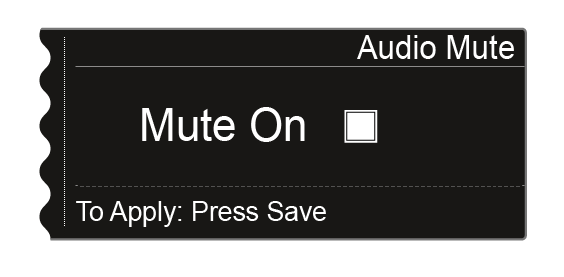
-
Press the jog dial to activate the check box.
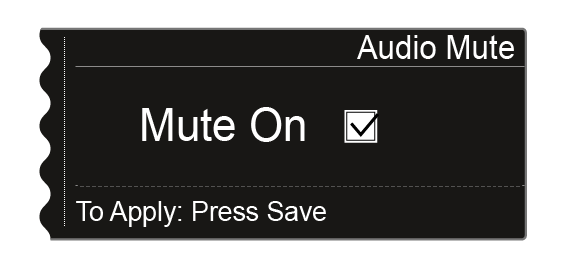
-
Press the SAVE button to save the setting.
The audio output on the channel is now muted.
On the home screen, the following indicator flashes while the audio signal is muted.

To cancel the muting: