Setting the input sensitivity (GAIN)

In this menu item, you can set the input sensitivity.

Setting range:
  • 0 dB to 21 dB in 3 dB steps
Set the input sensitivity (GAIN) on the transmitter so that the level shown on the display does not reach the maximum deflection (PEAK).
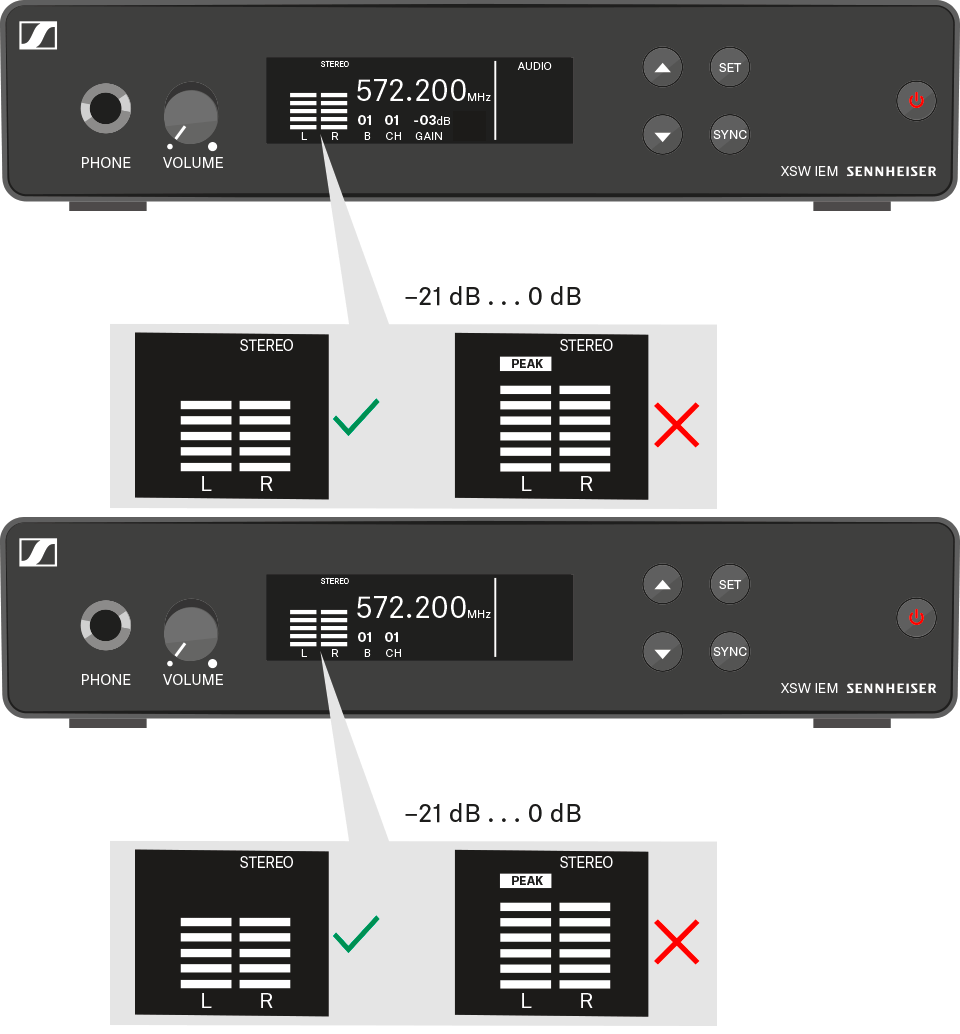

To adjust the input sensitivity:
  1. Press the UP or DOWN button to access the AUDIO menu.
  2. Press the SET button twice to open the GAIN menu.
    The setting for the selected menu flashes.
  3. Press the UP or DOWN button to change the set values.
  4. Press the SET button twice to save the settings you made.
To exit the menu:
  1. Press the STANDBY button to exit the menu.