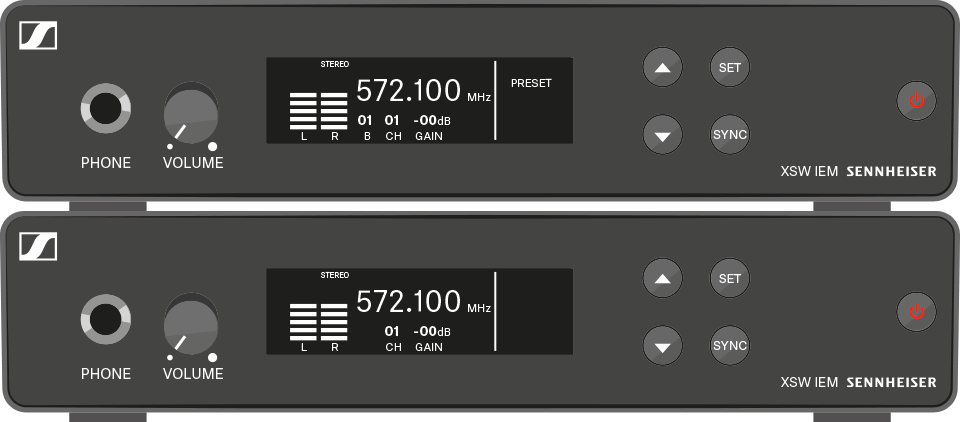
In this menu item, you can select the frequency bank.
To select the frequency bank:
-
Press the UP or DOWN button to access the SET menu.
-
Press the SET button to open the frequency bank menu (B).
The setting for the selected menu flashes.
-
Press the UP or DOWN button to change the set values.
-
Press the SET button twice to save the settings you made.
To exit the menu:
-
Press the STANDBY button to exit the menu.