
Configuring the audio transmission mode (mono/stereo)
Under audio transmission mode, you can adjust the assignments of the audio inputs on the transmitter (mono/stereo).
Depending on how you configure the transmitter, the signals are converted to either mixed mono signals or mixed stereo signals. On the receiver, the user can control the distribution of incoming signals according to their preferences (see Panorama setting).
Setting range:
- MONO
- STEREO
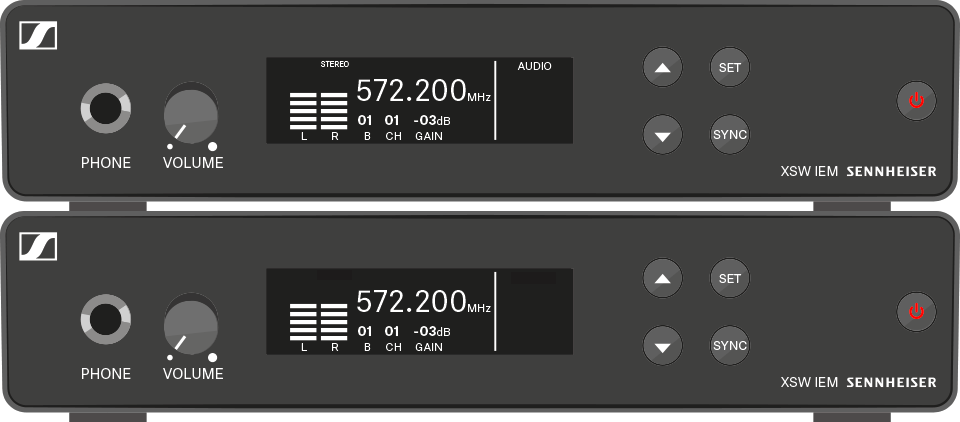
To set the audio transmission mode to stereo/mono: