
Connecting audio signals
You can connect two mixed mono signals using the two input jacks Left/Mono and Right Input.
To do so, the XSW IEM SR must be configured for Mono or Stereo operation in the AUDIO menu. See Configuring the audio transmission mode (mono/stereo).
In stereo mode, you can receive the two input signals either as a mixed mono signal or as a stereo signal. To do this, set the FOCUS setting on the XSW IEM EK receiver to ON or OFF (see Setting the FOCUS).
Mono
-
Connect the output of an external device (e.g. a mixing console or another XSW IEM SR) to the audio input socket BAL AF In L + Left/Mono using a suitable cable.
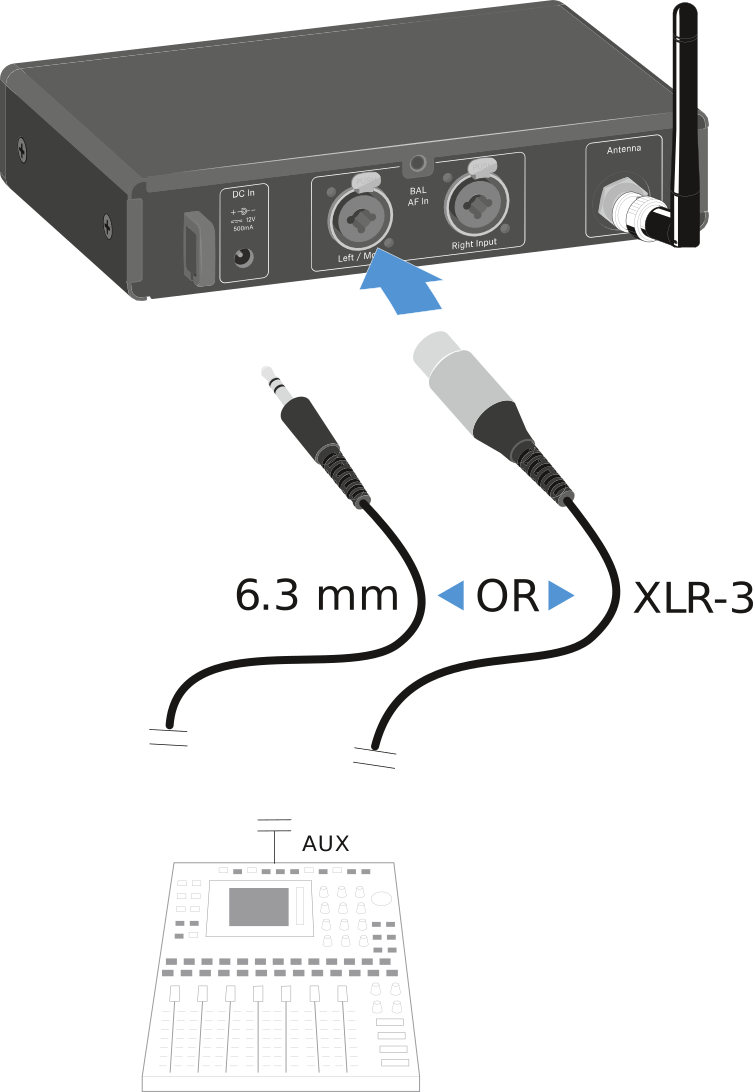
In mono mode, the FOCUS setting on the XSW IEM EK receiver has no function (see Setting the FOCUS).
Stereo