
Setting the frequency channel on the receiver
You can set the channel under the frequency channel menu item.
Before using the device, check whether there are interfering frequencies in your frequency range (Finding an interference-free frequency (frequency test)) and then carry out a soundcheck (Performing a soundcheck).
You can find frequency tables for all available frequency ranges in the download section of the Sennheiser website sennheiser.com/download.
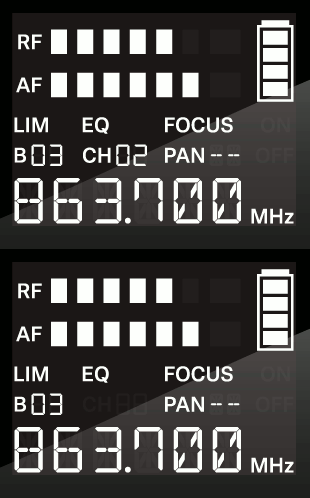
To set the frequency channel: