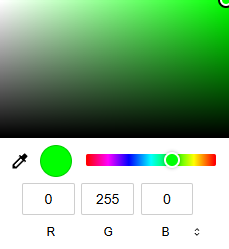
Changing the LED color
You can select the connected state color of your LED on the mobile device.
To change the LED color for all mobile devices:
-
Click on the
 on the top to
change the LED color for all mobile devices.
on the top to
change the LED color for all mobile devices.  There are five settings for the LED:
 OFF
OFF- Dim
 Standard
 Bright
 Individual
To change the LED color for one mobile device:
-
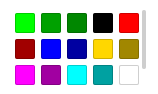
Click on the icon to change the LED color.
A menu with pre-selected colors opens.
-
Select an individual color.