Getting started
Start your basic configuration with the recommended steps.
When setting up the WebUI for the first time, we recommend following these first steps to
successfully configure the system from the outset:
- Identifying Base Station via IP
- Claiming single device (WebUI)
- Activating a license (WebUI)
- Enabling/disabling data collection
- Enabling solo control
- Configuring RF channels
- Assigning an antenna to an RF channel
- Scanning the RF frequency
- Pairing/unpairing mobile devices
- Selecting the default audio input/output source
- Selecting audio link mode (Mic/Line)
- Selecting audio link mode (IEM)
- Assigning an RF channel
- Selecting the Mic/Line input
Operational data is collected to continuously improve the
stability and functionality of Spectera. The data is pseudonymized to ensure there
is no direct personal reference. Tracking can be disabled in the settings (see
chapter Enabling/disabling data collection).
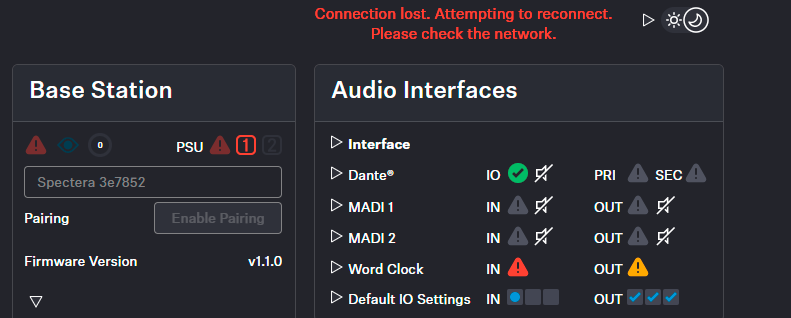
If the connection to the device is lost (no power supply or no network connection),
the live status will be displayed based on an error message.