
Switching the receiver on and off
To switch the receiver on:
-
Short-press the STANDBY button.
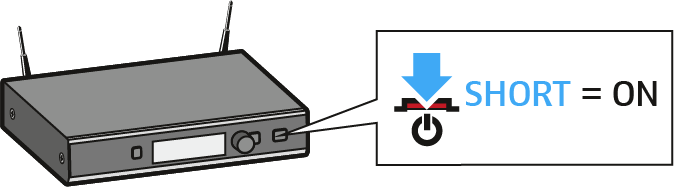
The display panel first shows a logo and then the home screen appears. The status LED indicates the current status of the receiver. The radio link to the last paired transmitter is established automatically as soon as the transmitter is switched on.
To switch the receiver off:
-
Long-press the STANDBY button.
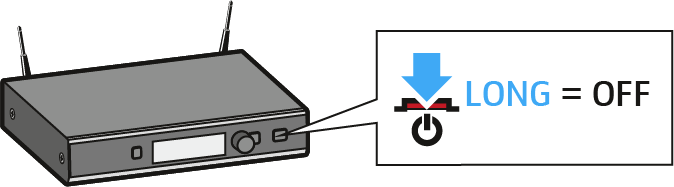
The display panel and the status LED go off.