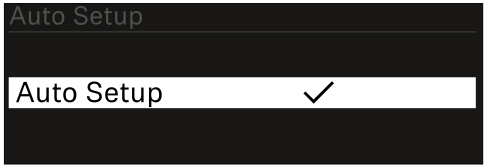
System -> Auto Setup menu item
In this menu item, you can activate the Auto Setup function for the receiver.
If the function is activated here, you can perform an automatic frequency setup for both channels of this receiver via the Scan / Auto Setup menu item.
See Ch 1 - Ch 4 -> Scan/Auto Setup menu item.
The receiver will also be enabled for automatic frequency setup in a network consisting of multiple receivers.
If the function is disabled here, you can only assign a frequency to the selected channel of the receiver via the Scan / Auto Setup menu item.
To open the Auto Setup menu item:
-
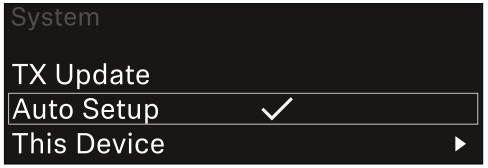
In the System menu, navigate to the Auto Setup menu item.
-
Press the jog dial to open the menu.
The following view is displayed: