
Locations and rooms
Manage the physical layout of your organization by creating, editing, and deleting locations and rooms to efficiently monitor AV device deployment.
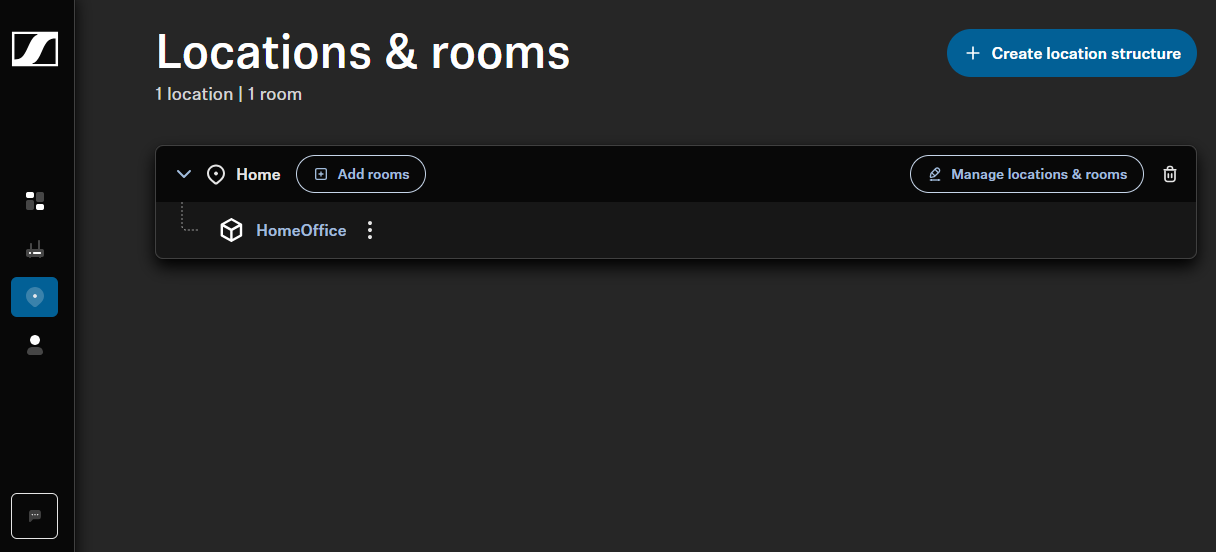
In the Location section, you can define and organize the physical layout of your organization by creating, editing, and deleting locations and rooms. This structure helps you map the deployment of AV devices and enables efficient monitoring throughout your organization. Locations serve as high-level organizational containers, while rooms represent specific areas where enrolled devices can be assigned and managed.
The total number of locations and rooms combined is limited to 1,000. You can create
up to 6 hierarchy levels of locations (excluding rooms) to reflect the complexity of
your organization. A typical structure might include:
- Region
- Country
- City
- Street
- Building
- Floor
The following actions can be performed under Locations:
Please note that some actions are subject to certain user rights and can only be
performed with the role Owner. An overview of the user
permissions is available in chapter Roles and permissions.