
Changing the graphical representation of a panel
To change the graphical representation for a panel:
-
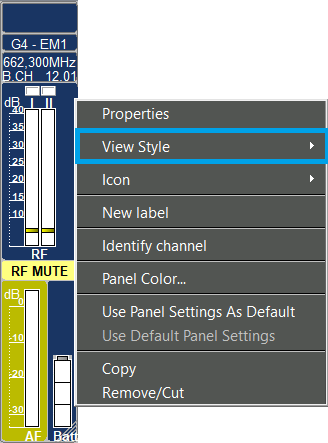
Click on “View Style”.
-
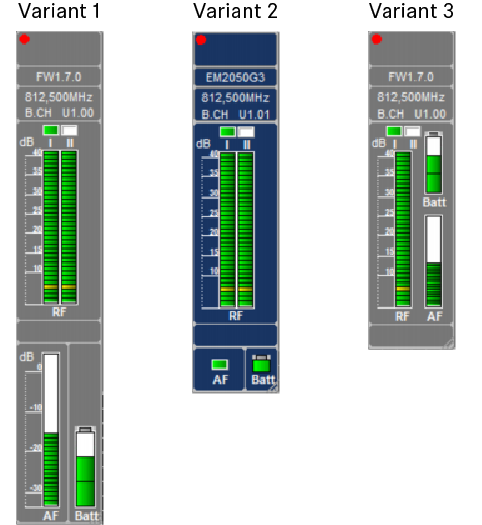
Select a panel style:
- Panel styles for receivers
- Panel styles for transmitters
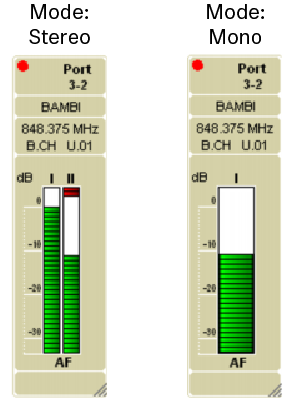
The panel style for a “transmitter” panel depends on the device settings.When you considerably zoom out a panel, the scales are hidden to provide a better overview.
- Panel styles for receivers