
Panel commentary (label)
You can paste labels into the panels to provide a better overview. The labels can be freely dragged.
Pasting labels
-
Click on “New Label”.
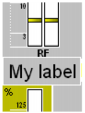
Dragging labels
Deleting labels
You can paste labels into the panels to provide a better overview. The labels can be freely dragged.