
“Easy Setup” frequency management
Individual device parameters can also be configured after “Easy Setup”
(see Working with panels).
Launching the “Easy Setup” frequency management
-
Follow the instructions of the wizard.
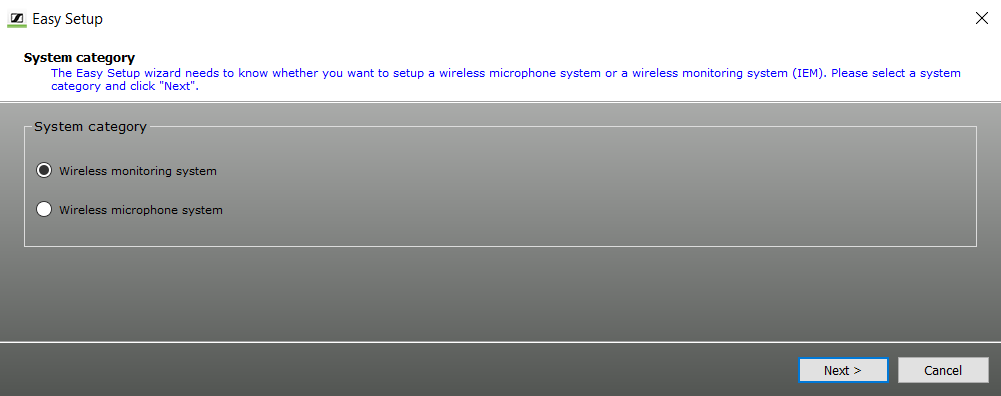
“Easy Setup” with or without frequency presetscan
-
You can allocate unused frequencies in various ways:
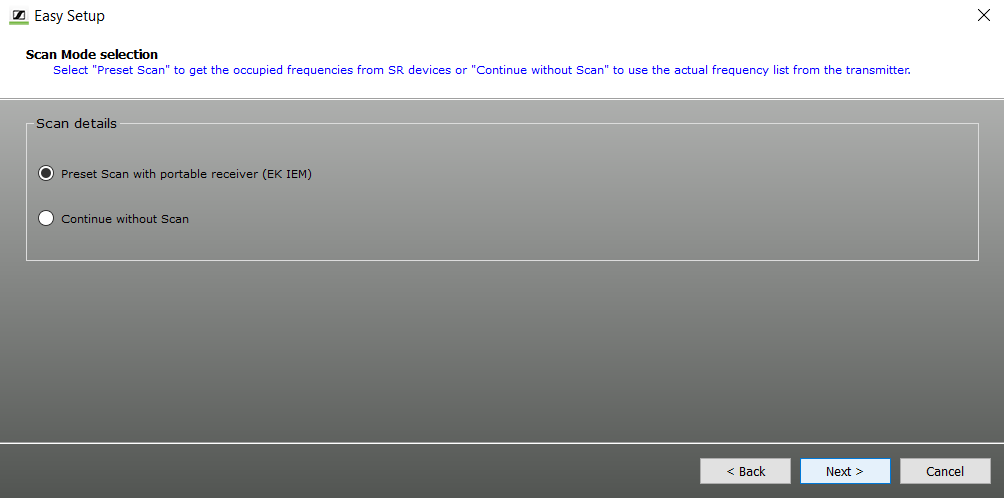
- “PresetScan with portable receiver (EK IEM)” / “PresetScan“:
To find occupied as well as unused frequencies in the current vicinity of the system, perform a frequency presetscan.
- “Continue without Scan”:
To allocate already known unused frequencies to stationary devices, specify these frequencies without a frequency presetscan.
- “PresetScan with portable receiver (EK IEM)” / “PresetScan“: