
Setting parameters in the “Properties” window
You can configure stationary devices and the corresponding portable devices using the “Properties” window. To do so, select one or several panels (see Selecting several panels).
To display the parameters of the selected device:
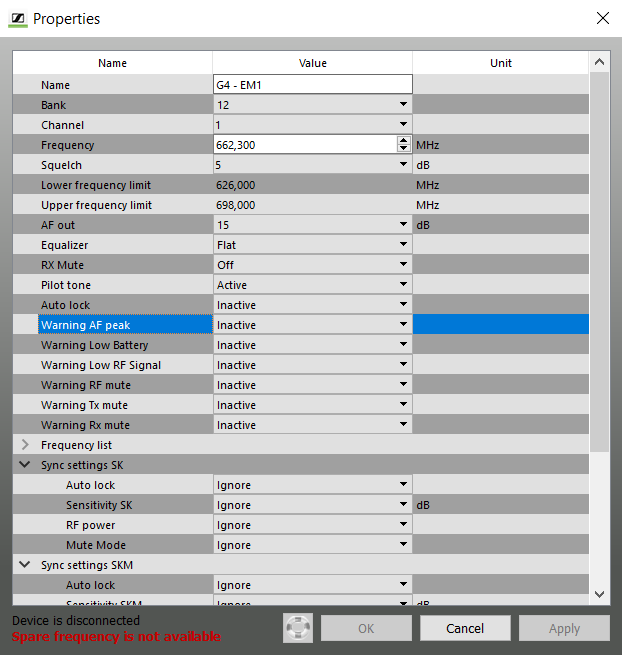
Dialog window of a wireless microphone system
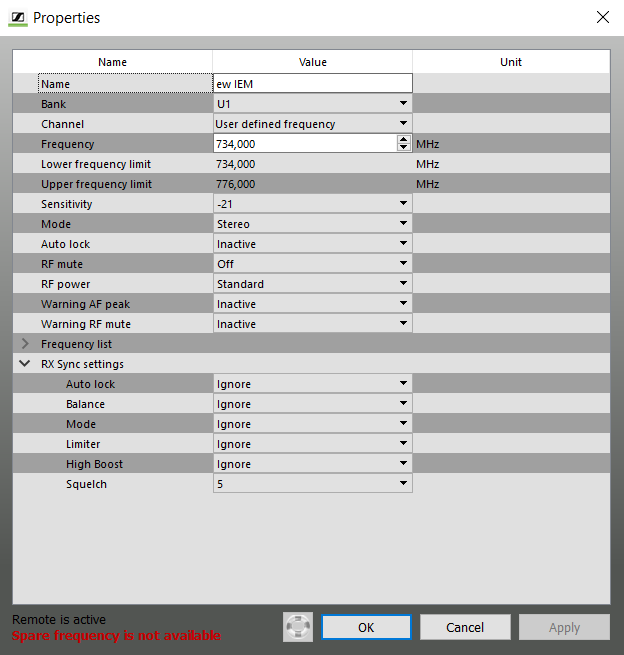
Dialog window of a wireless monitoring system
If you have selected several devices, only the identical, i.e common, parameters of the devices are displayed. All other fields contain no information.