
Squelch menu item
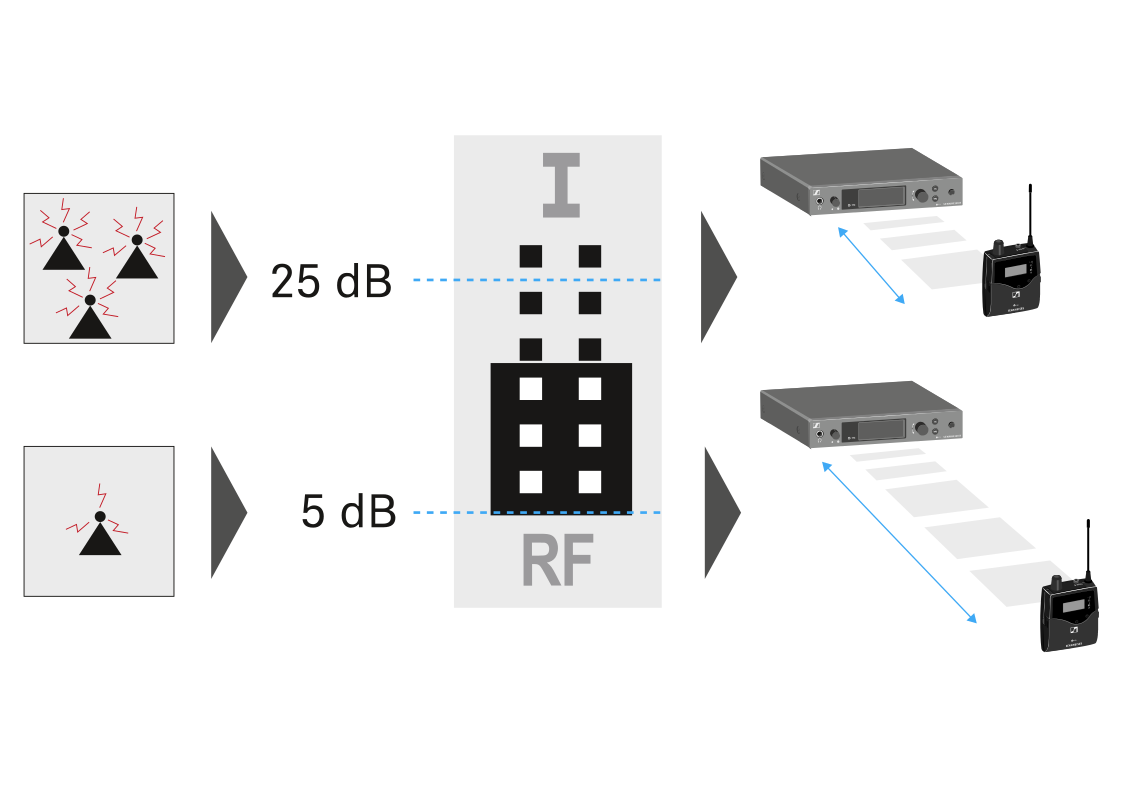
You can adjust the squelch threshold in the Squelch menu item.
Setting range:
- 5 to 25 dBµV, adjustable in 2 dB steps
The squelch threshold is displayed on the home screen in the RF signal level area.
| WARNING | |
|---|---|
To open the Squelch menu item:
- On the home screen, press the SET button to open the operating menu.
- Press the UP or DOWN button until the Squelch menu item appears in the selection frame.
- Press the SET button to open the menu item.
-
Adjust the settings as desired.
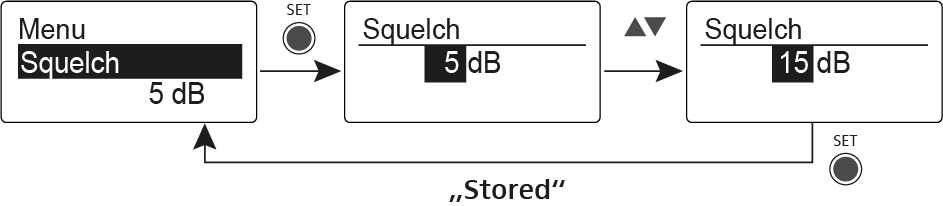
- Press the SET button to save the changes you made to the settings. OR
- Press the ESC button to cancel the entry without saving the setting.