
CHANNEL menu item
Under the CHANNEL menu item, you can set the radio frequency by selecting a preset channel.
If you are not sure whether the selected frequency is free, we recommend performing a scan to detect all free frequencies: AUTO SCAN menu item.
-
Open the CHANNEL menu item.
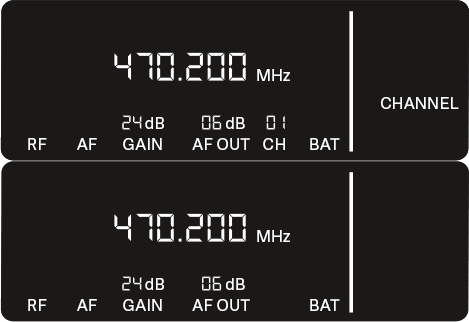
The item flashes on the display as follows.
If you have set a new frequency, you must still synchronize the receiver with the transmitter to establish the radio link (see Establishing a radio link | Synchronizing the receiver and transmitter).