
PRESET menu item
Under the PRESET menu item, you can set the radio frequency by selecting a preset channel.
If you are not sure whether the selected frequency is free, we recommend performing a scan to detect all free frequencies:
SCAN menu item.
-
Press the UP or DOWN button to select a frequency bank.
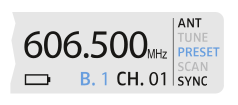
-
Press the UP or DOWN button to select a channel in the frequency
bank.
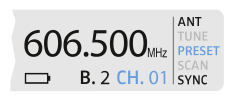
-
Press the SET button to save the selected channel.
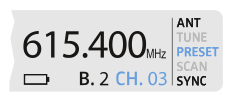
OR
If you have set a new frequency, you must still synchronize the receiver with the transmitter to establish the radio link
(see Establishing a radio link | Synchronizing the receiver and transmitter).