
Using several WSM software in a network
Multi access function
The multi access function allows you to simultaneously network up to 6 computers with the Sennheiser devices. Configurable access rights establish clear procedures and hierarchies for your production.
You can install the WSM software on several computers in a network. For the individual application scenarios you can assign different rights for accessing the devices in the network (e.g. for the parameters):
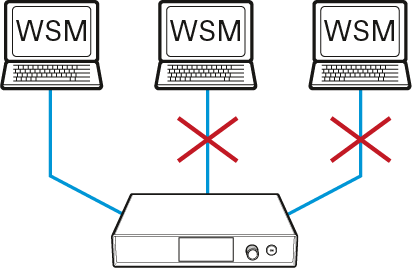
- “Exklusive”:
- All access rights are assigned to only one WSM (see Have you selected “Exclusive” for the first WSM?).
- The access rights cannot be shared with other WSMs.
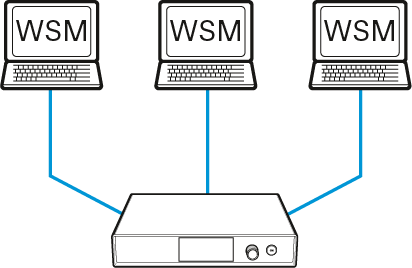
- “Shared”:
- All WSMs have the same access rights (see Have you selected “Shared” for the first WSM?).
- While one WSM is accessing a device (remotely), this device is locked for all other WSMs until this action is terminated.
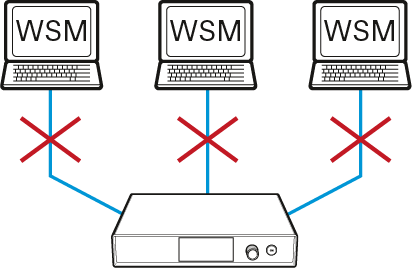
- “Remote disable” (no access rights):
- The WSM has no access rights.
- The WSM is solely used for monitoring.
Proceed as follows: