Allowing analytics
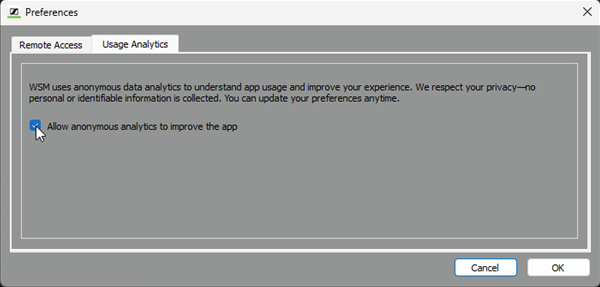
WSM uses anonymous data analytics to unterstand app usage and improve your experience.
No personal or identifiable information are collected.
To allow anonymous analytics:
- Click on “System” > “Preferences”.
- Go to the "Usage Analytics" tab.
-
Activate the checkbox.