Performing or importing a frequency scan
To perform a frequency scan at the venue of the planned event:
-
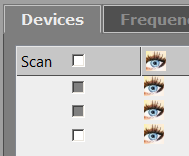
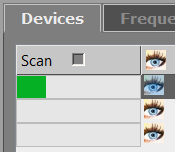
In the “Devices” tab, activate the desired devices in the “Scan” column of the device list.
-
Click on “Start frequency scan” in the buttons area.
To import a frequency scan:
-
Click on the “Import frequency” button in the graphical overview.
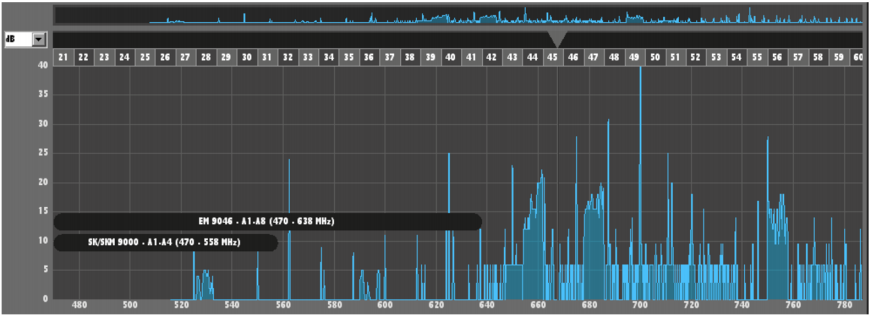
After the frequency scan has been performed/imported, the scan result appears transparent light blue in the graphical overview: