Editing device parameters
To edit channel names and other device parameters using the dialog window:
To edit the parameters of other devices when the “Edit devices” window is already open:
-
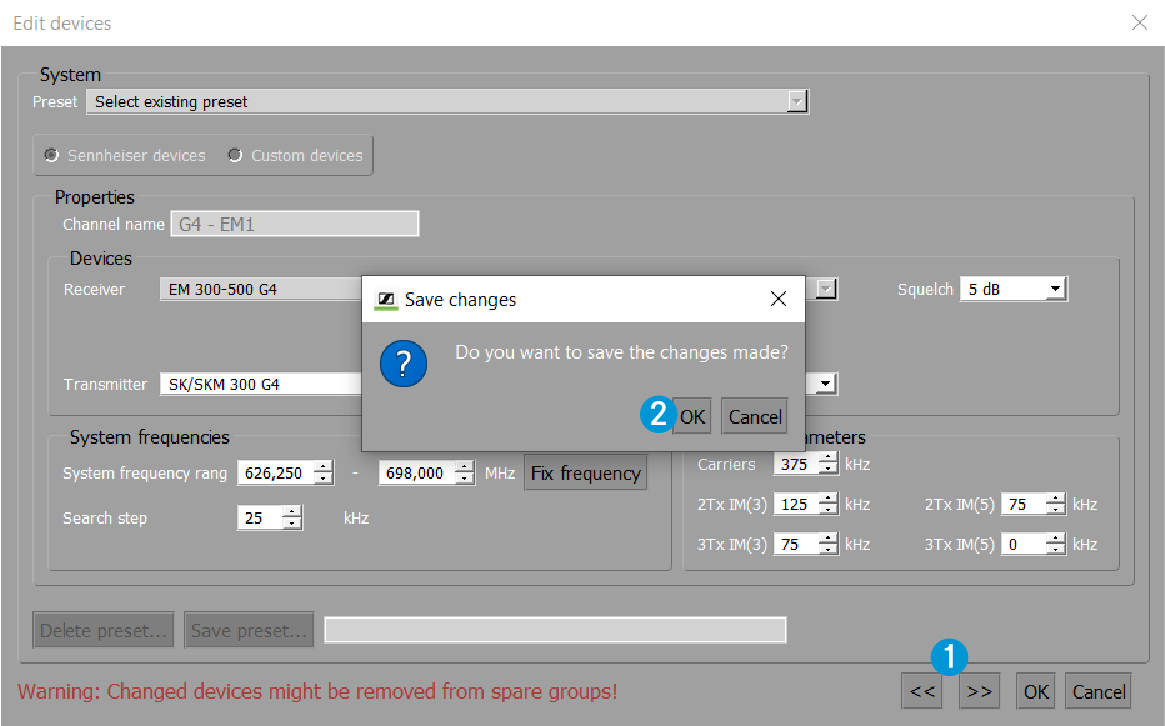
Use the "<<" and ">>" buttons 1 to navigate to other devices.
Before you can edit other devices, you are asked to save the changes made to the current dialog window by clicking on “OK” 2.