
Controlling Auto Framing and Person Tiling
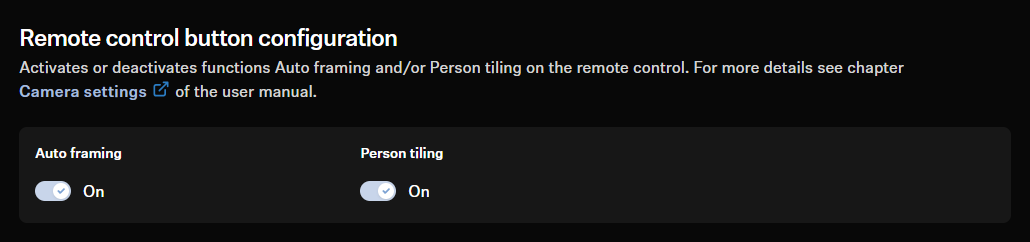
- In the control software, open the tab Camera.
- Activate the button for the desired function.
Auto Framing
Auto Framing ensures that all participants remain in the field of vision even if they move around the room - whether they move their chair slightly or stand up to move around the room.
Using the AutoFrame Speed function, you can control the speed of automatic zooming.
Person Tiling
With Person Tiling, each member of a meeting is brought to the front and center and receives their own tile in the meeting. As soon as the camera recognizes a participant, they receive their own tile. This also brings people from the back row into the foreground and makes them appear very close to the connected participants.
If several people are sitting closely to each other in the room, they are shown together as a group in a tile. Please note that the simultaneous detection of people in the room is limited to a maximum of ten.