
Assigning an RF channel
You can assign a configured RF channel to your mobile device.
To assign the RF channel:
-
Select your configured channel under RF Ch.
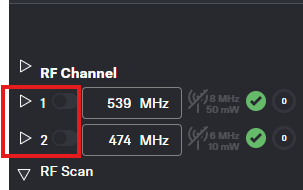
To change the RF channel, you must first deactivate the audio Link Mode and the audio Channels.